
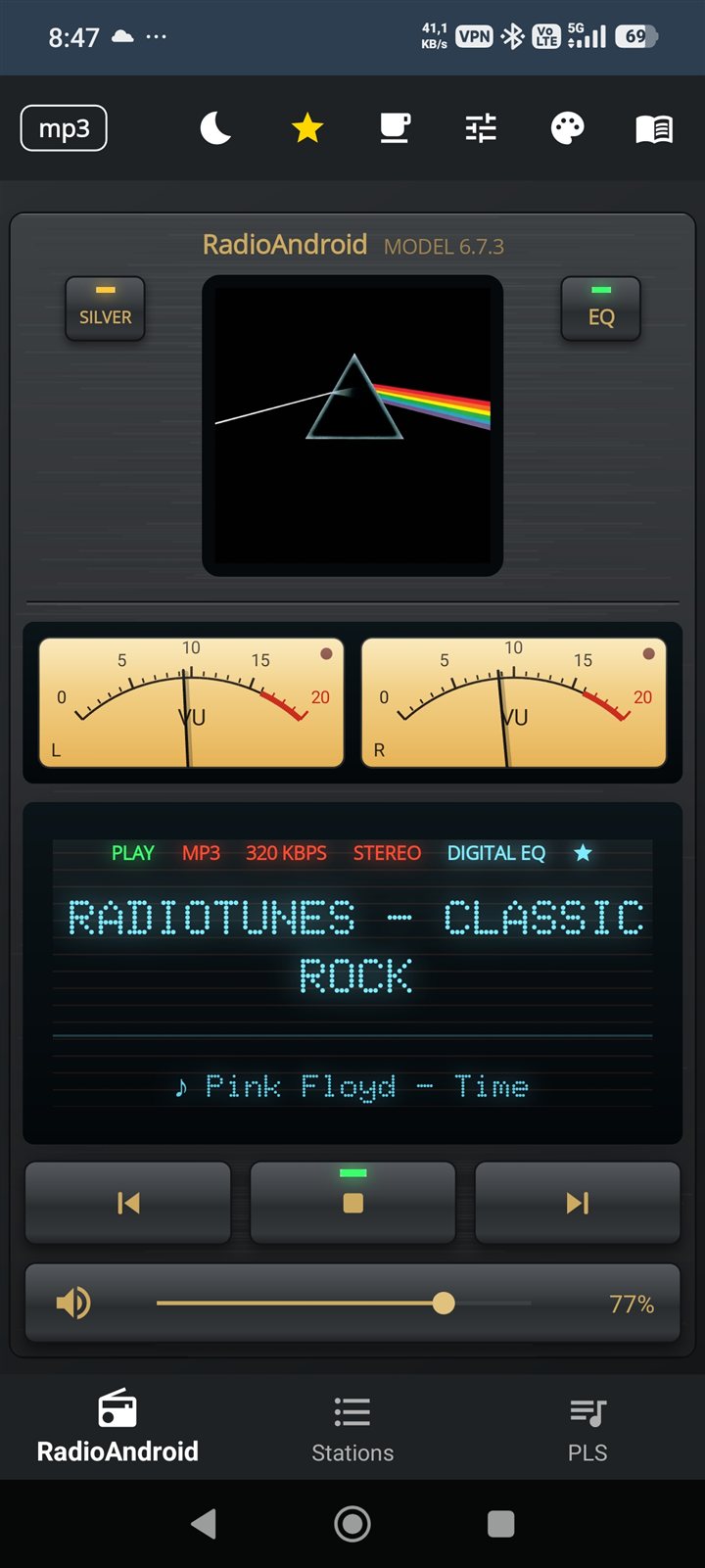
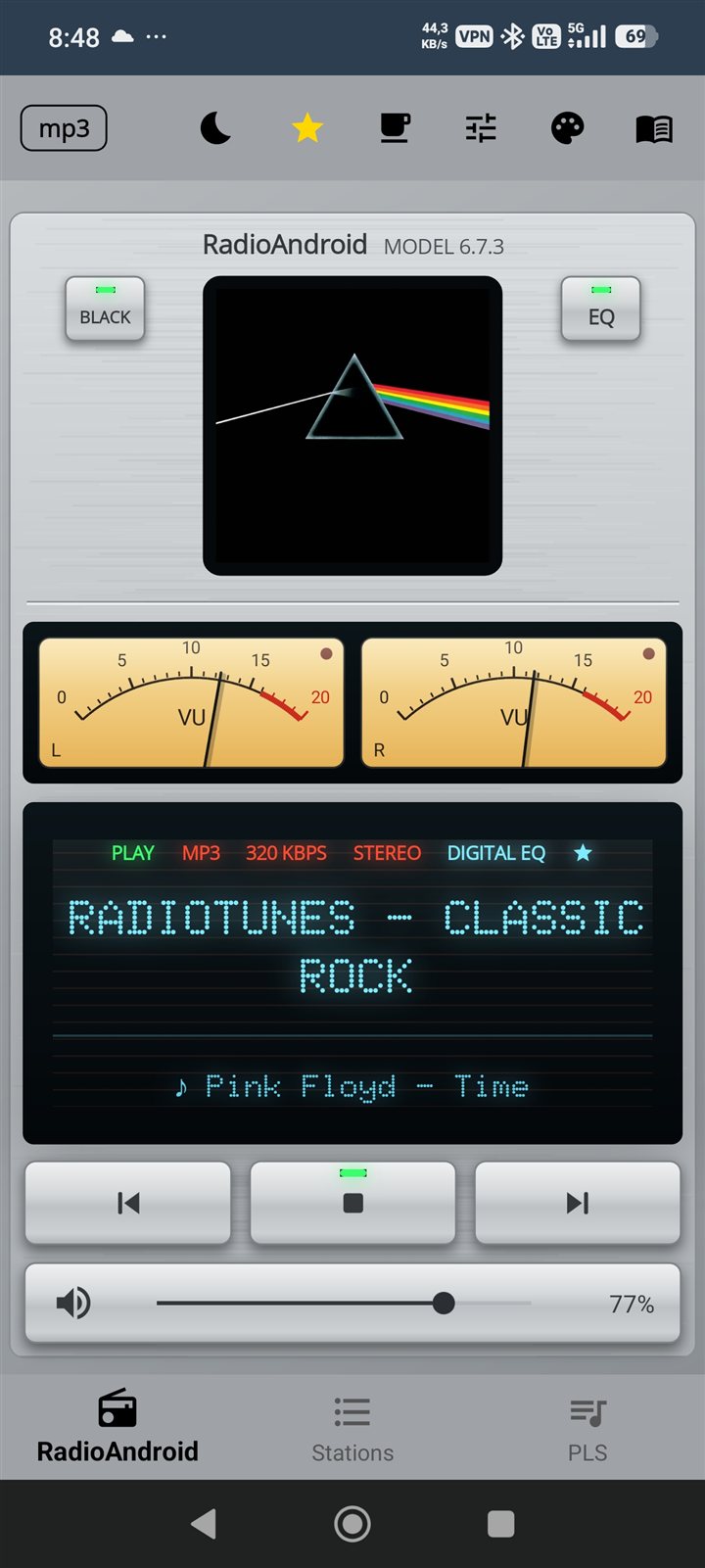
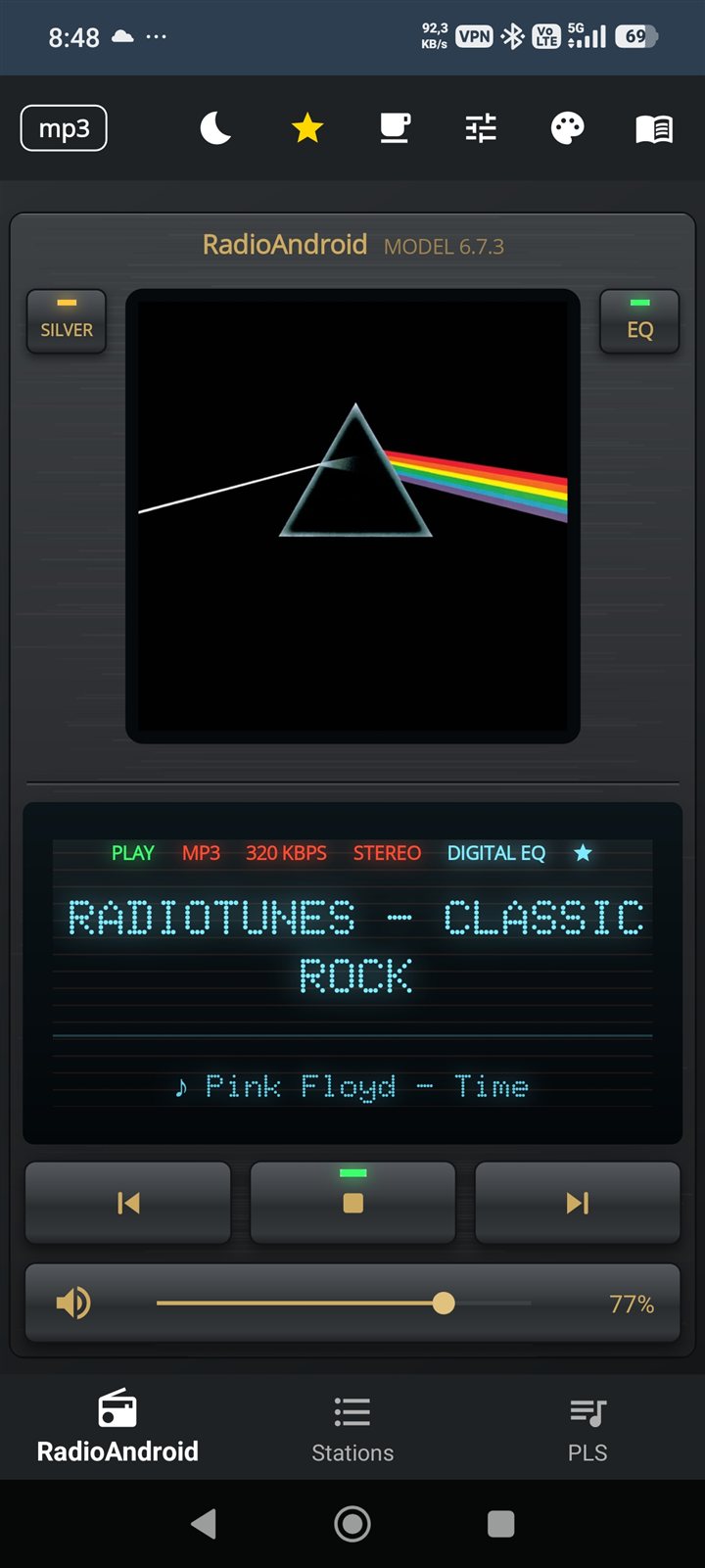
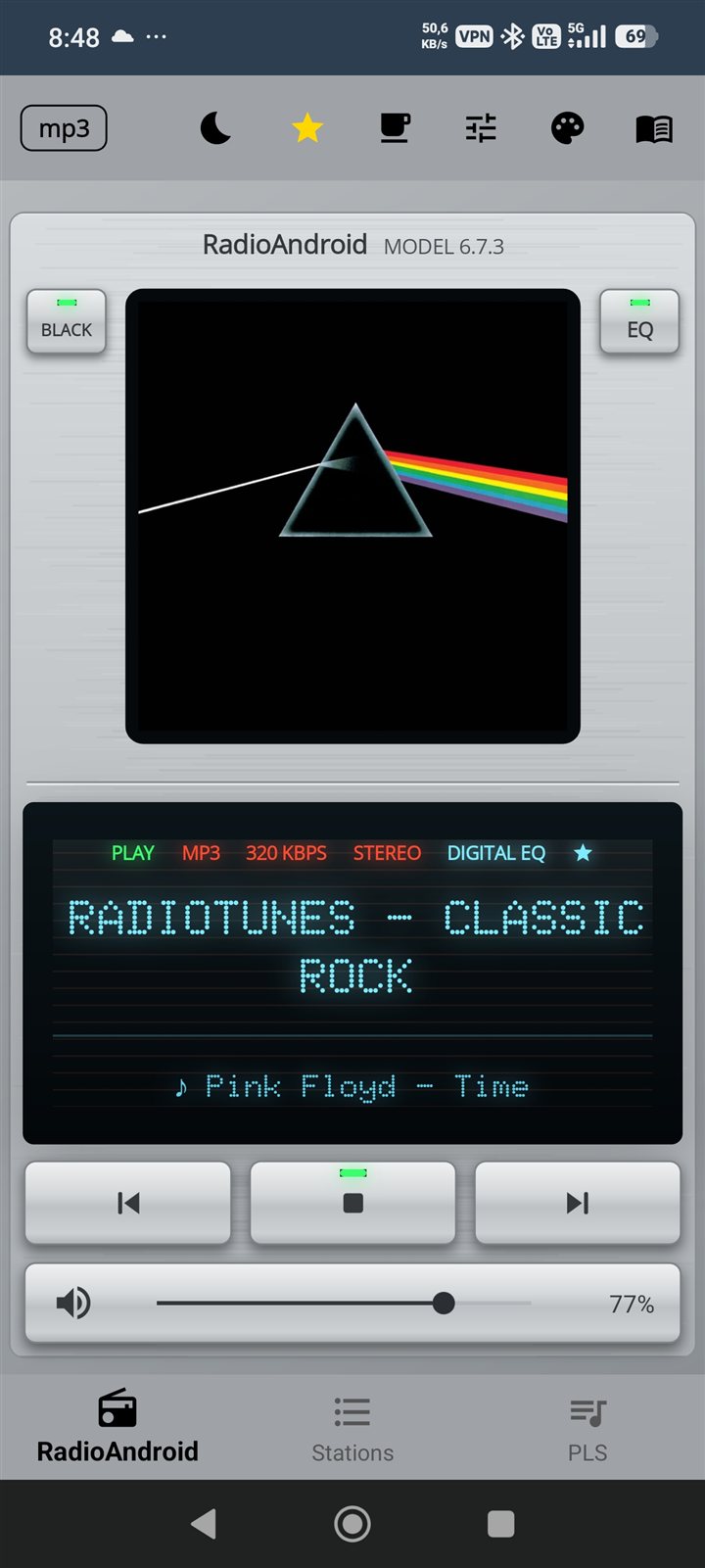
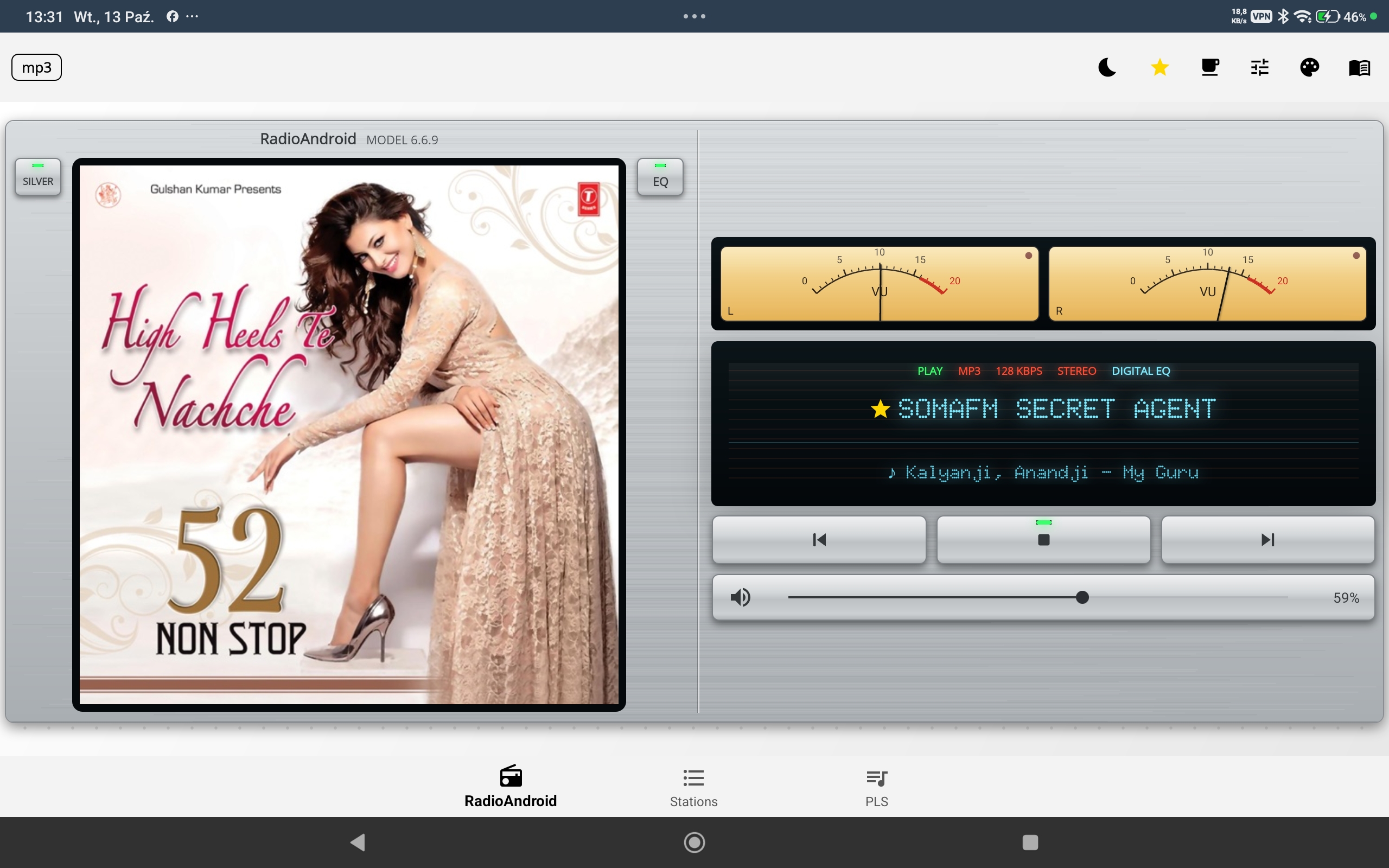
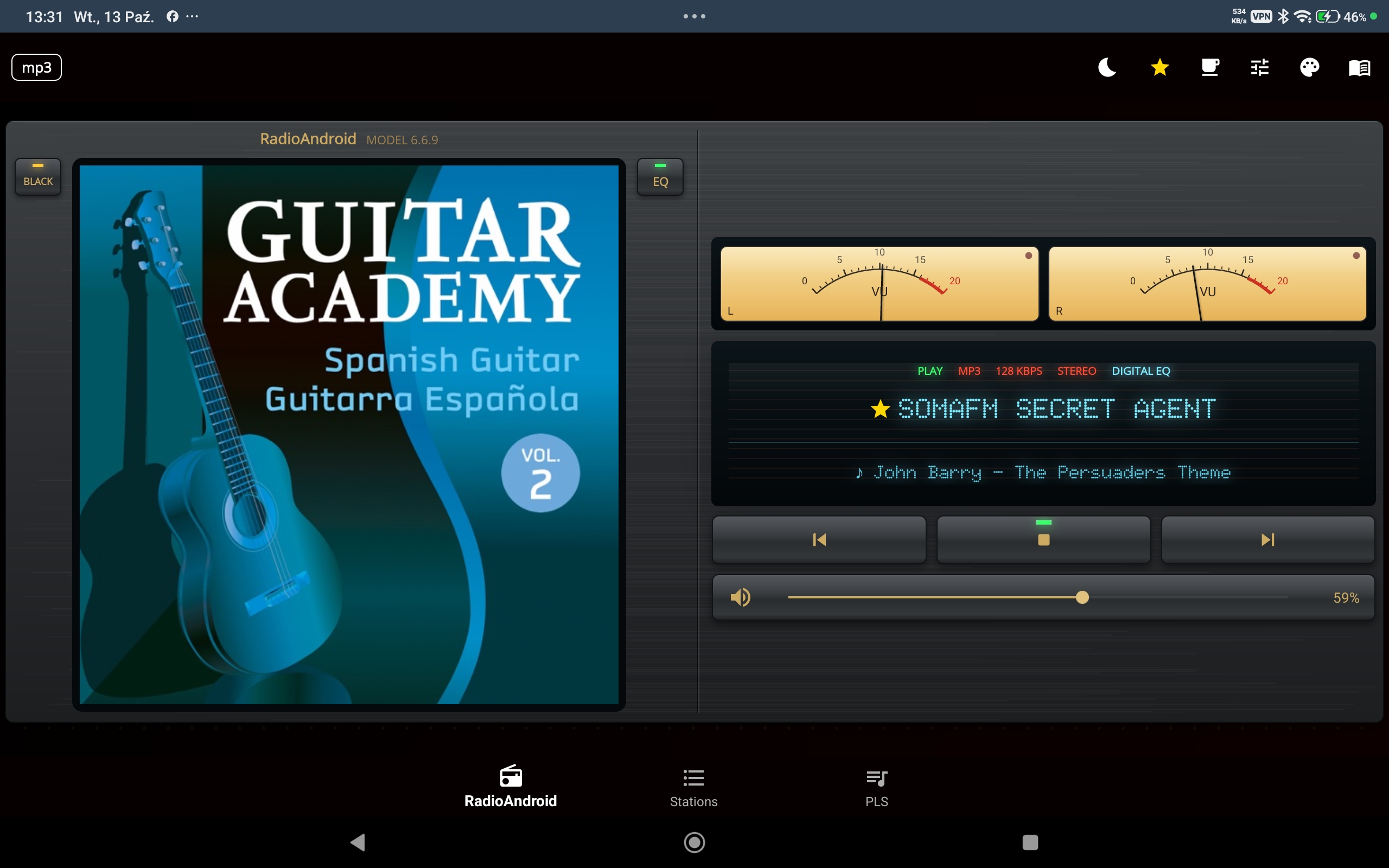
Vintage player · coming soon. The needles move like in the app — drag the slider to preview, AUTO to let them play.
Simple, powerful internet radio. Built with C# / .NET MAUI, LibVLC and ExoPlayer for HLS.

The same promo video as on Google Play · Watch on YouTube ↗
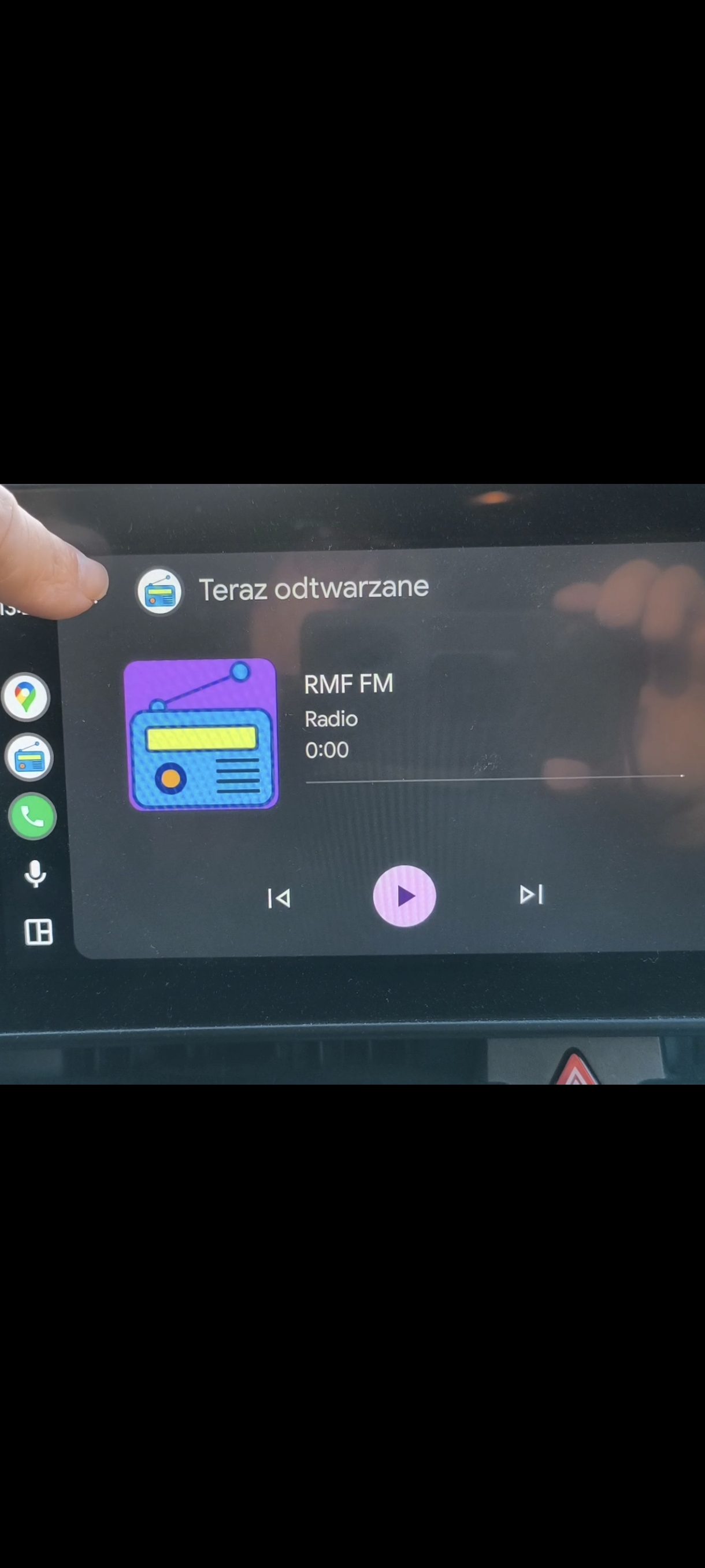
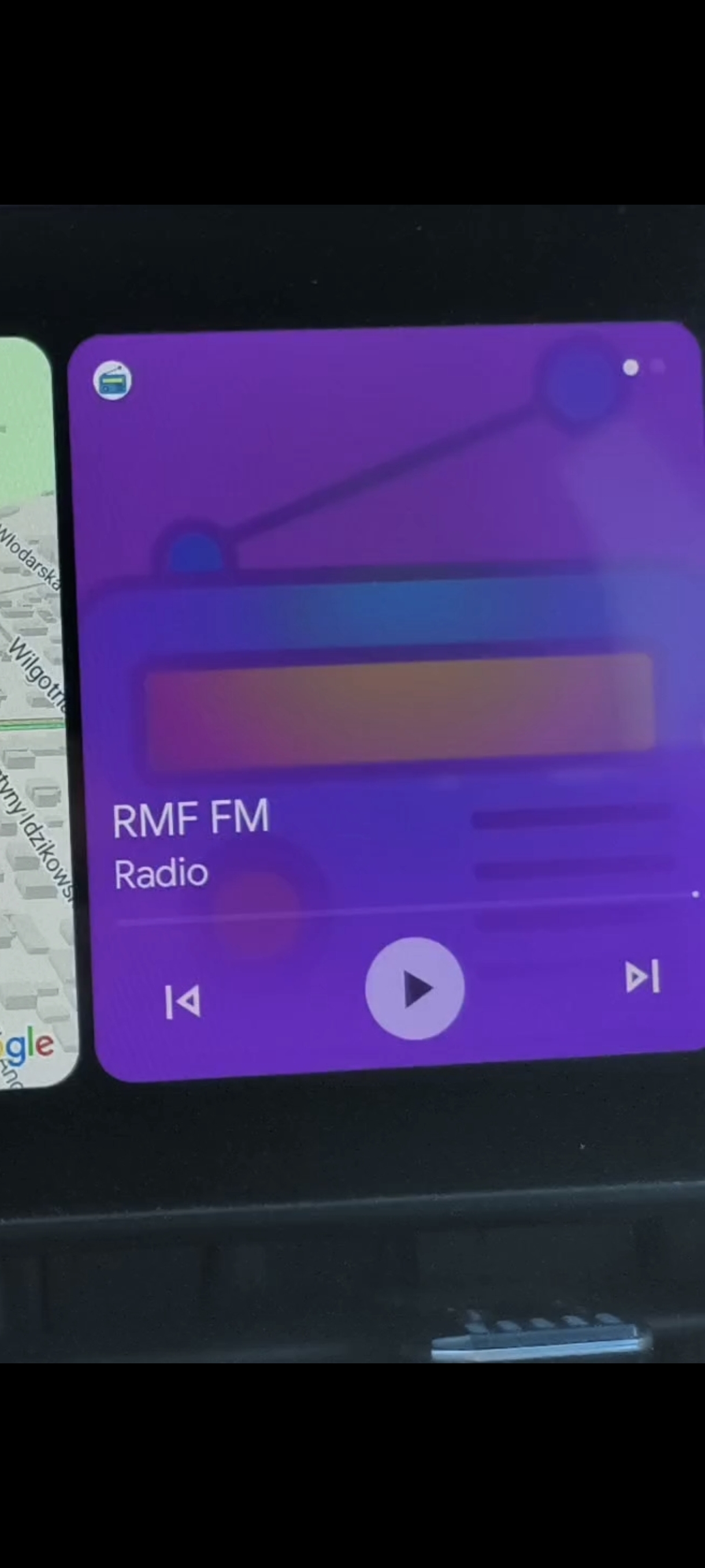
Full integration, not just audio. Control the app safely while driving — Google-reviewed and certified.
Works on TV boxes, smart TVs, Chromebooks and laptops over home LAN/Wi-Fi.
Music keeps playing while you use other apps. Foreground service ensures it never stops.
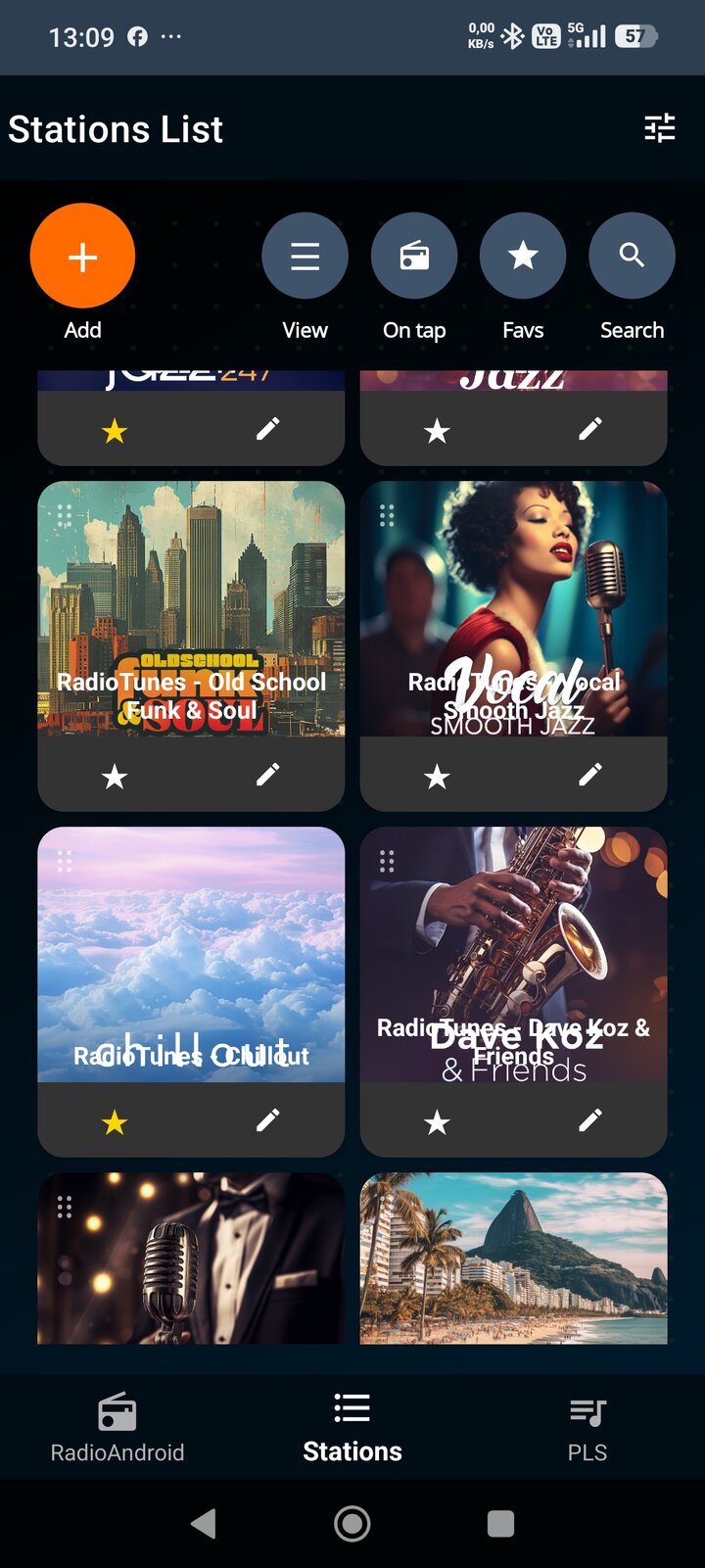
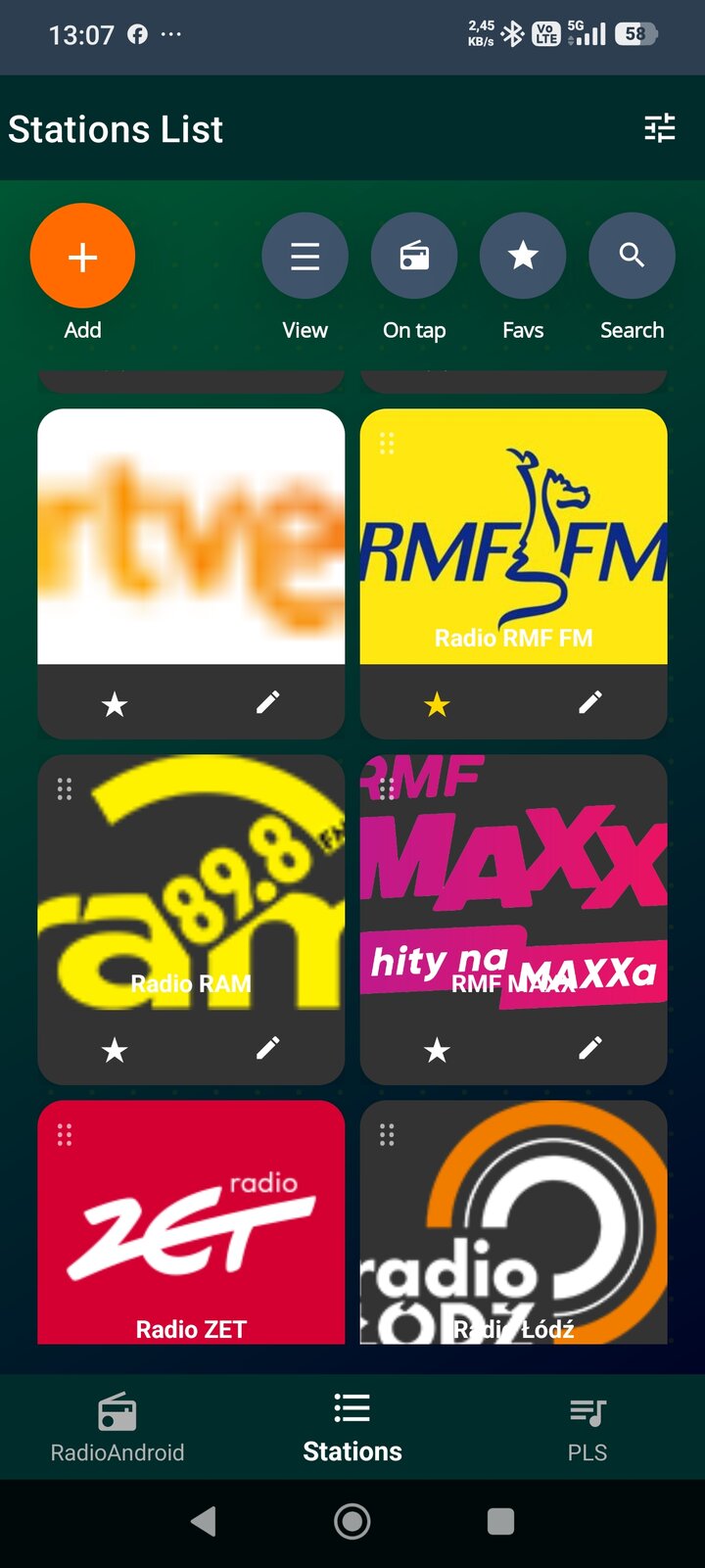
Thousands of radio stations worldwide. Rock, Jazz, News, Sports and more via fmstream.org.
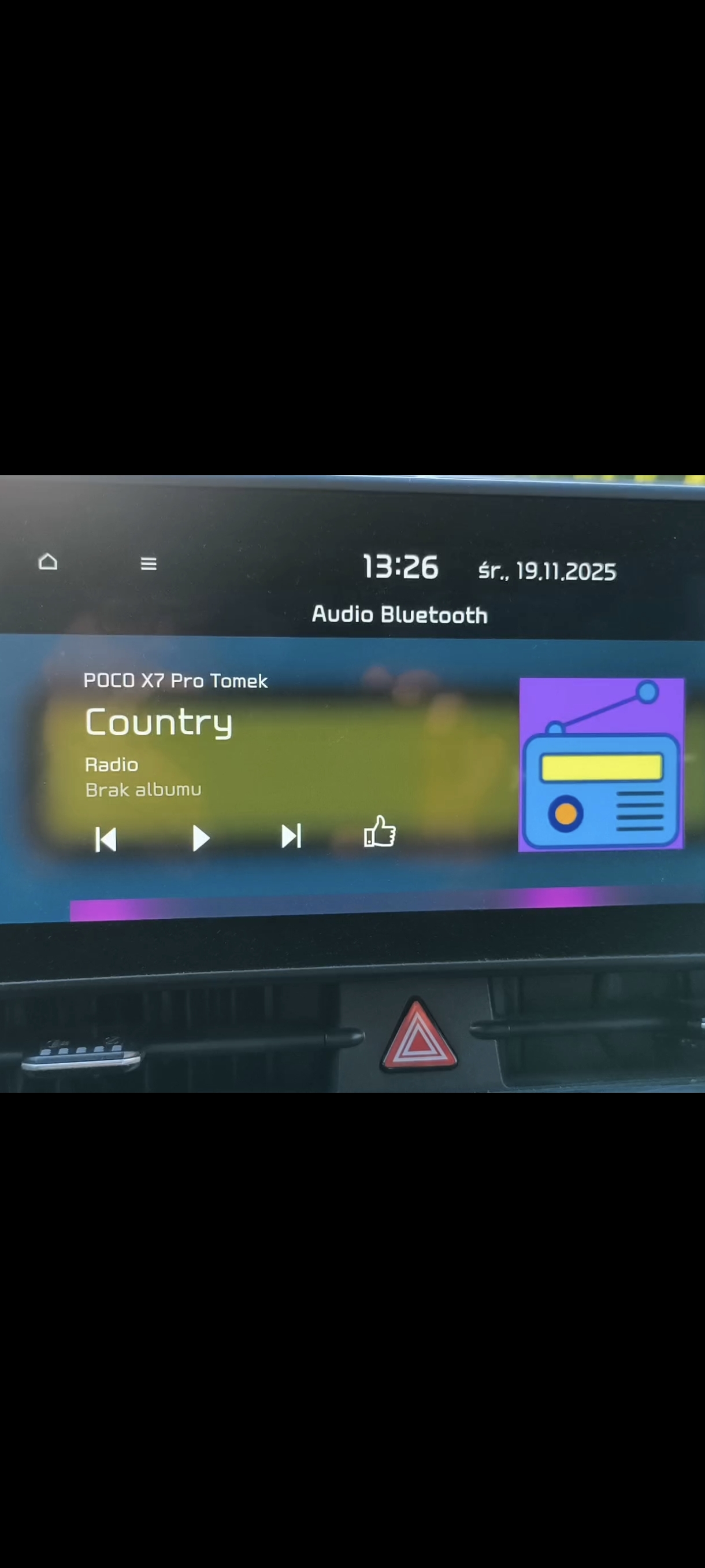
Works with Android Auto, classic Bluetooth, headphones and Boomboxes. BT watch control supported. A Hi-Fi amplifier with built-in Bluetooth controls the app the same way as headphones or the steering-wheel buttons in a car — so the amplifier's own remote control can do next / previous station and play / stop.
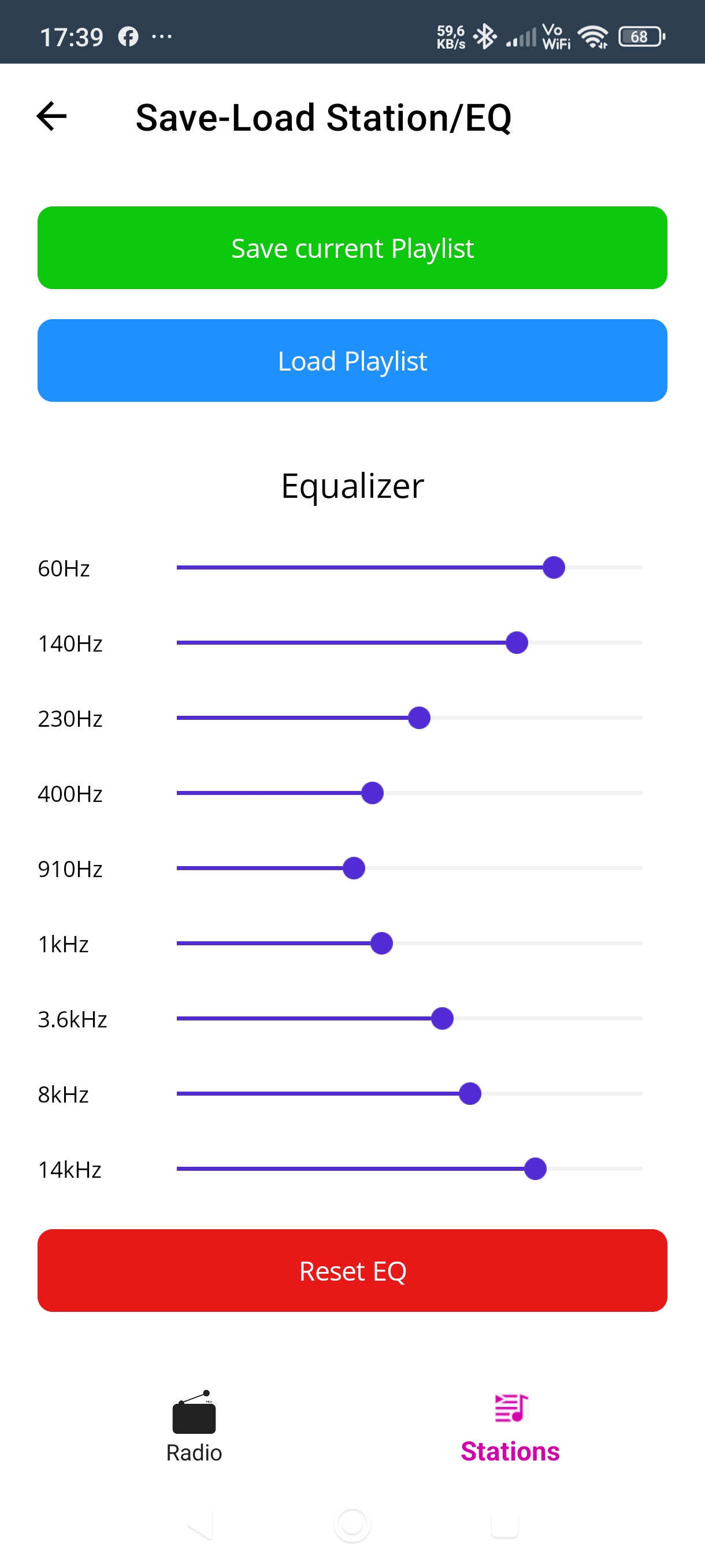
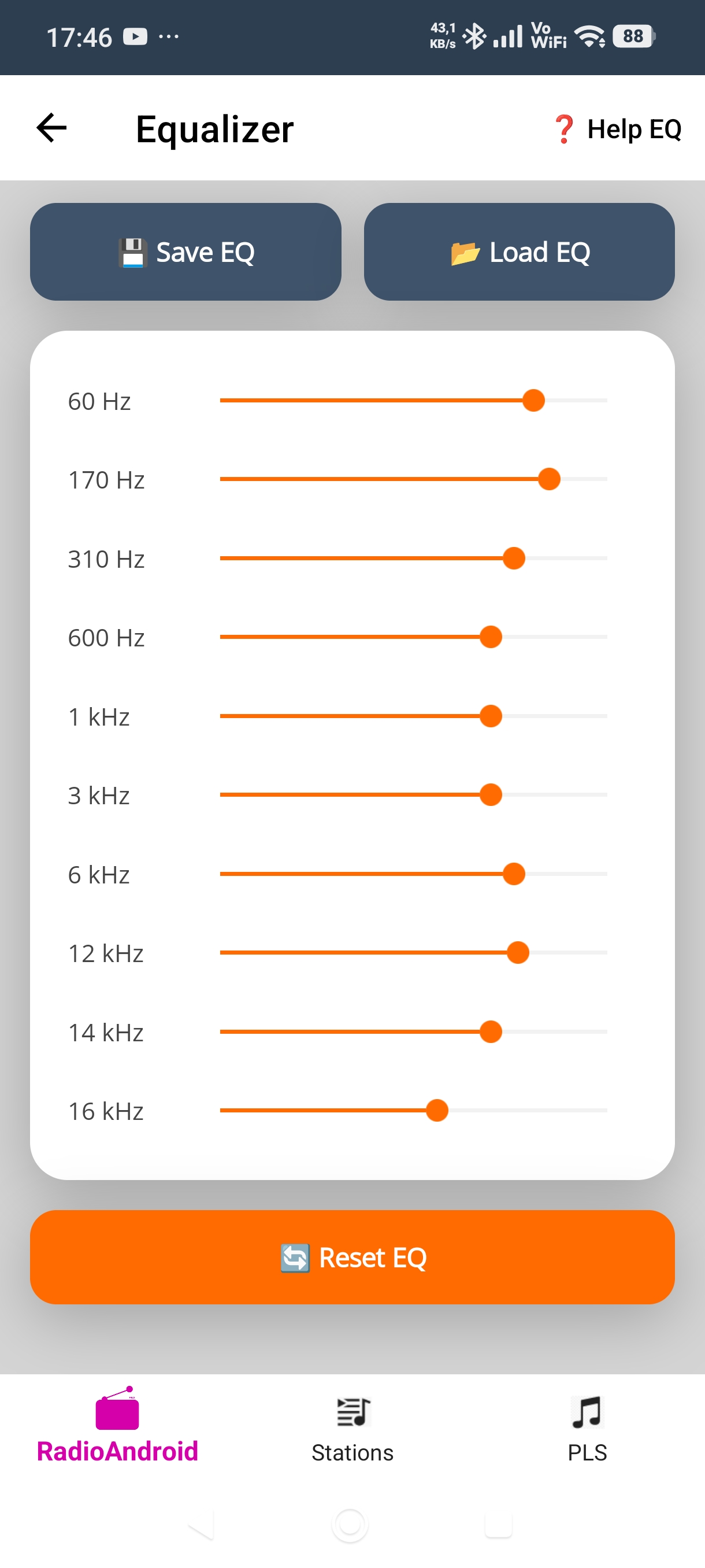
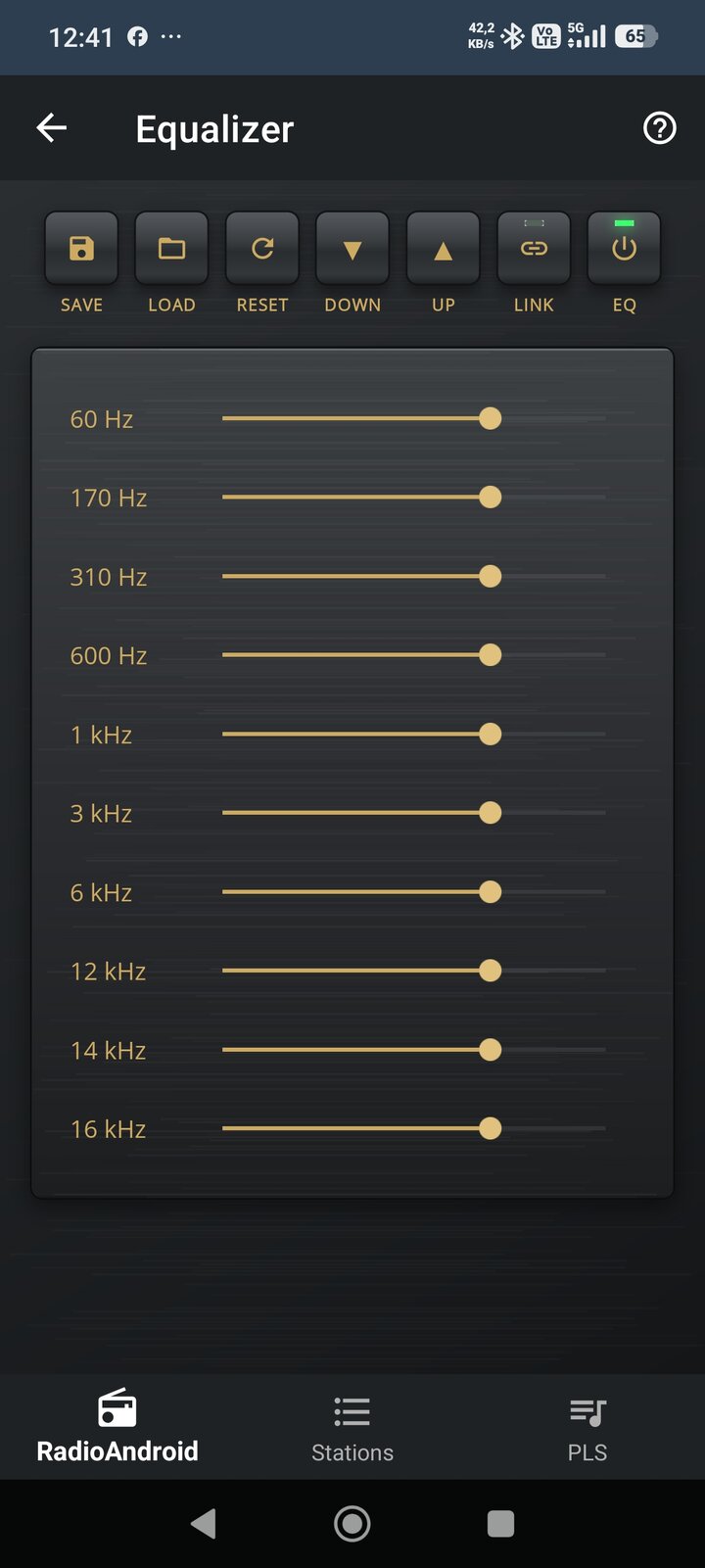
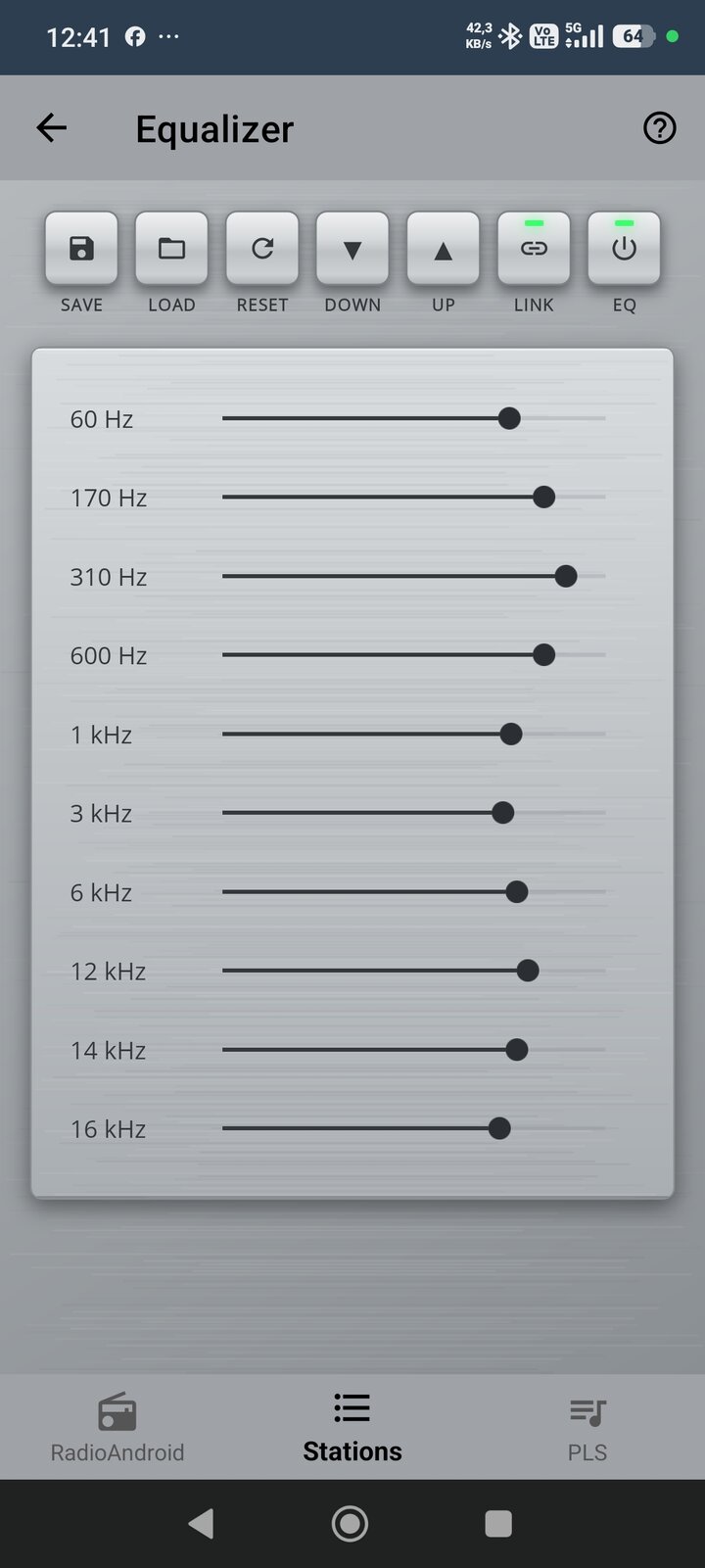
Professional equalizer from 60 Hz to 14 kHz powered by LibVLC engine.
LibVLC plays ICY, MP3, AAC and Ogg streams. For HLS streams (.m3u8) RadioAndroid uses ExoPlayer. The app picks the right engine for the stream — nothing to configure.
Two-layer protection with advanced reconnect and watchdog system to keep streams alive.
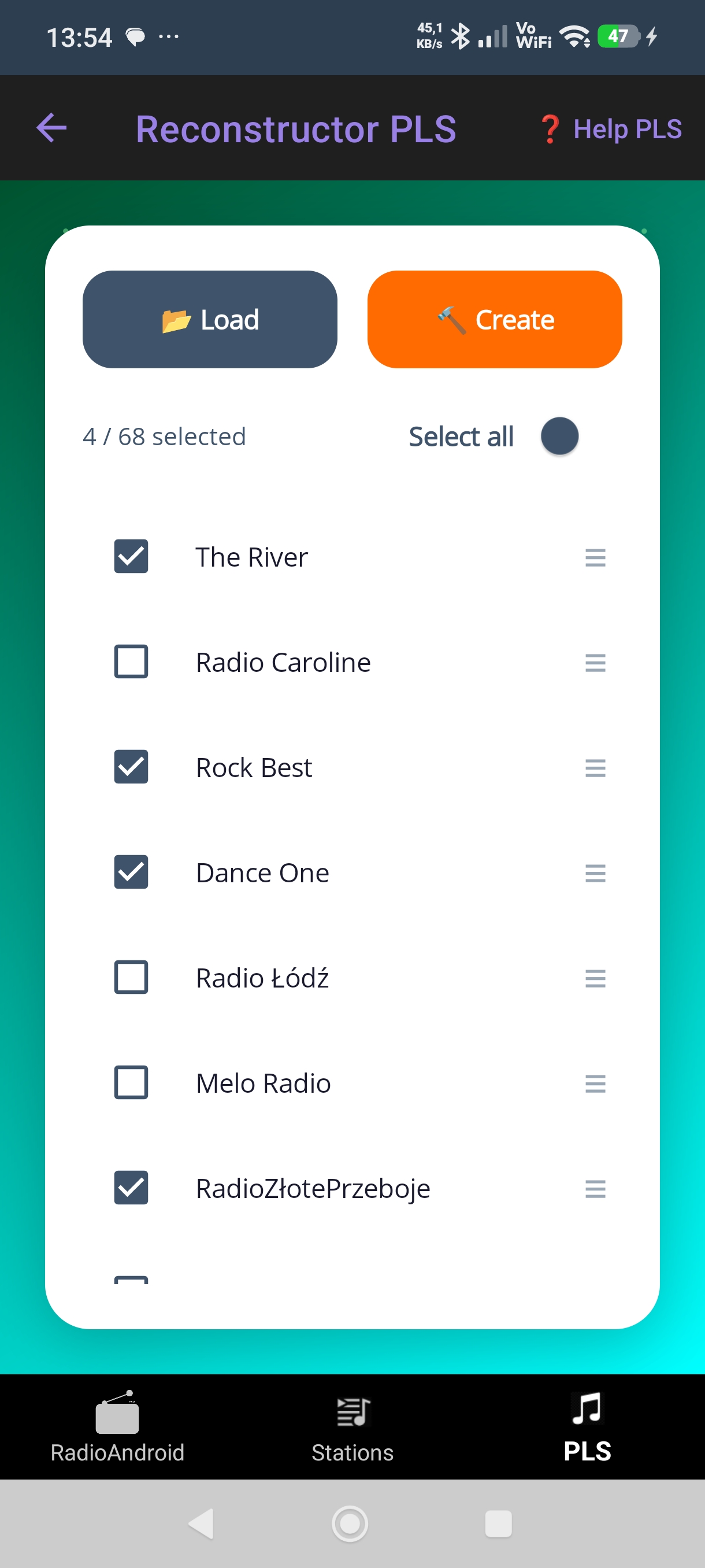
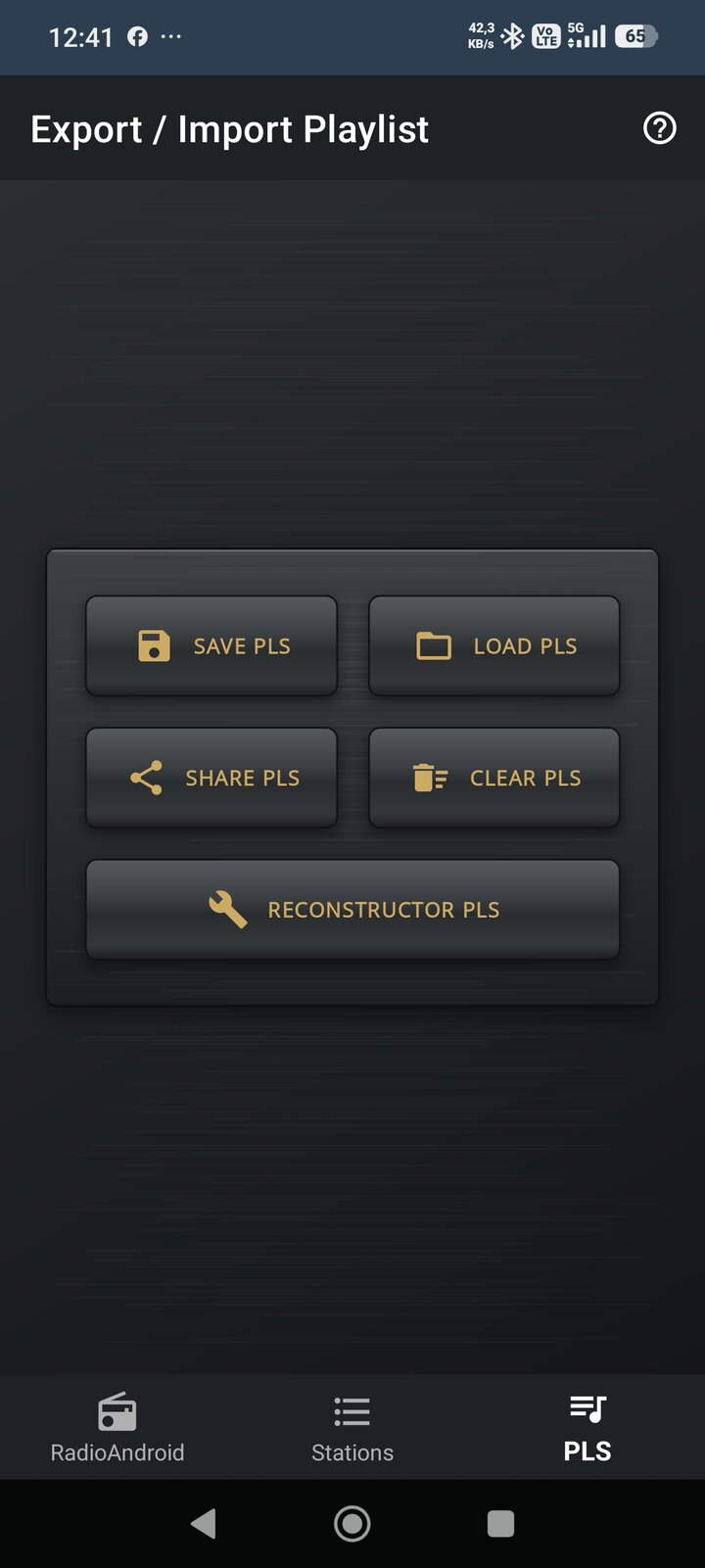
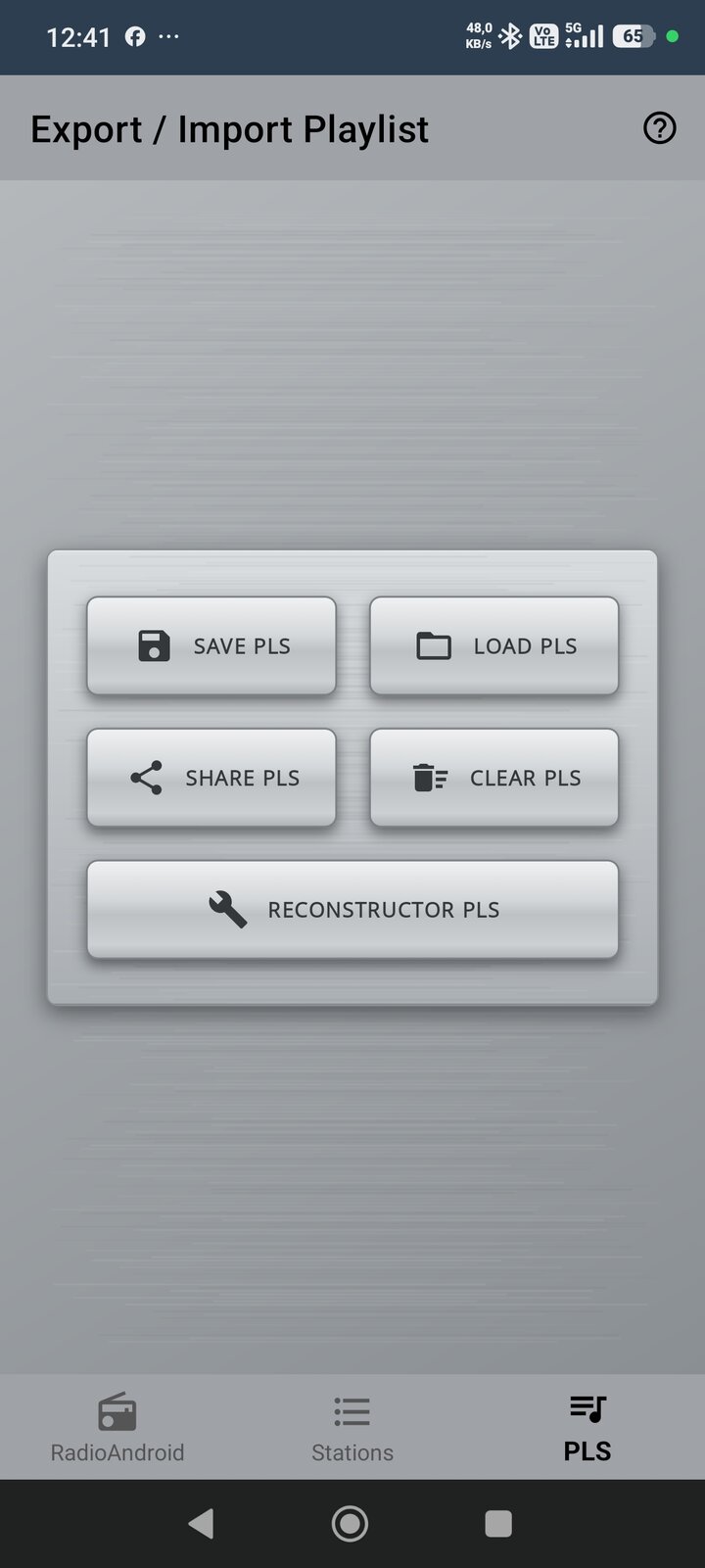
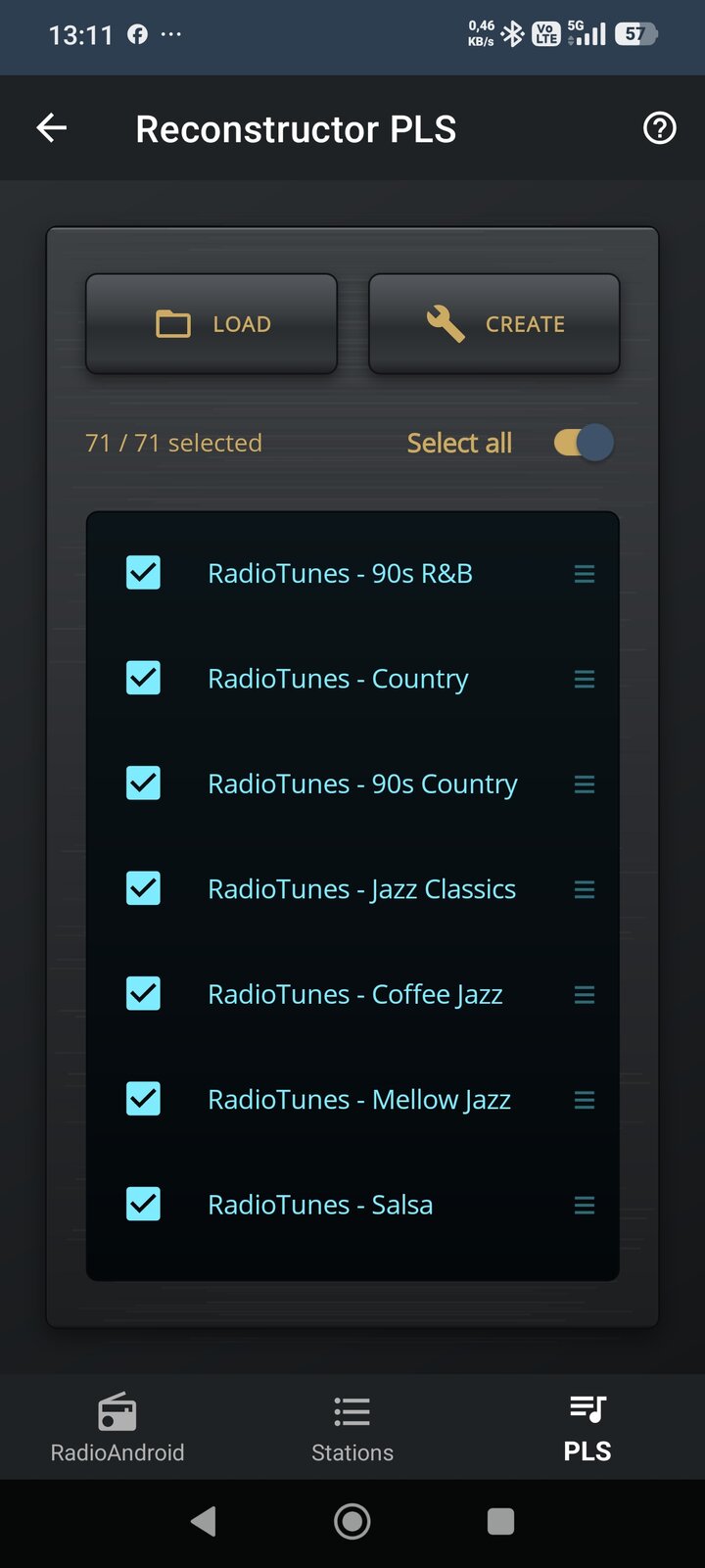
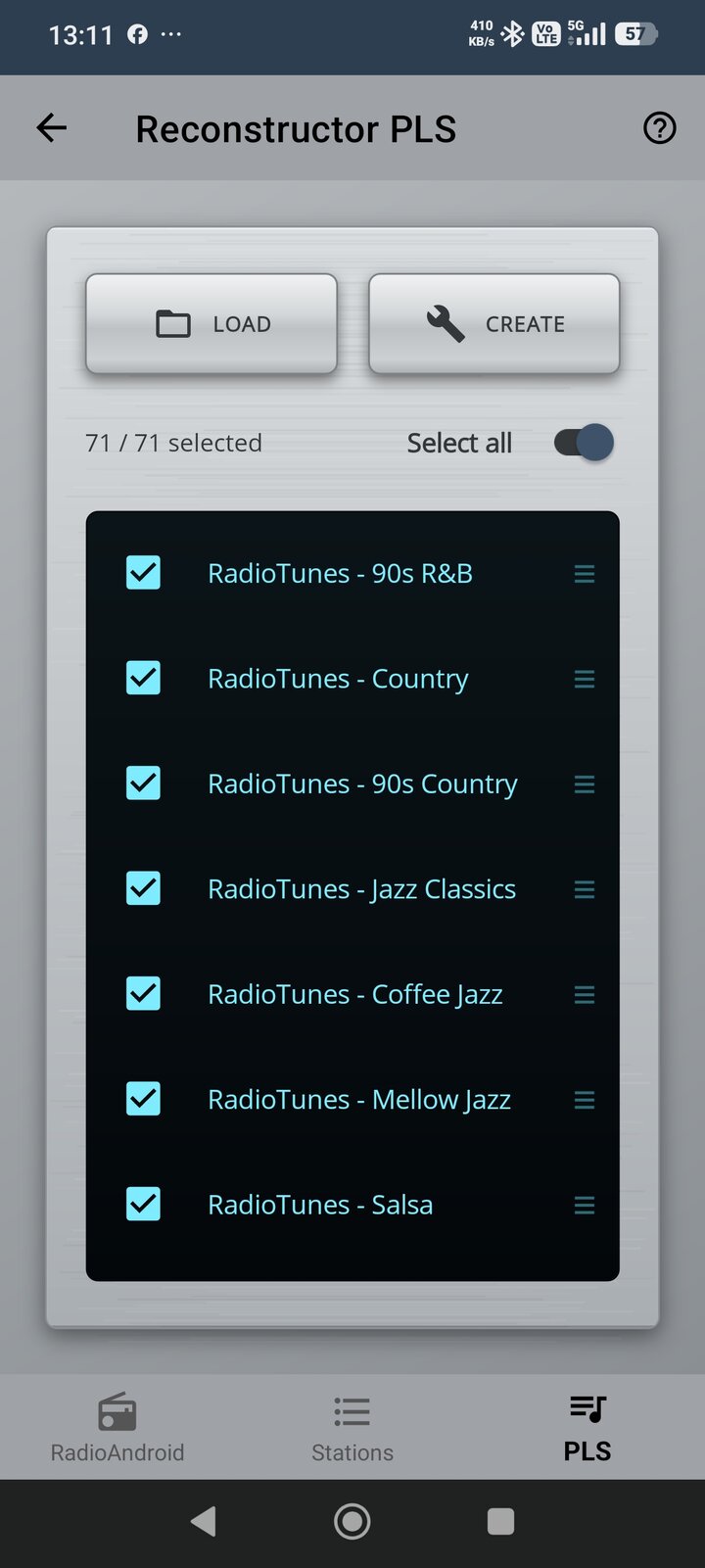
Manage playlists in JSON (RadioAndroid) or PLS (VLC, etc.) format. Easy backup and sharing.
Runs on aftermarket Android car head units and tablets that are not Google-certified — the kind sold as 2-DIN replacements. Installs straight from the Play Store on those devices, and works in split screen next to your navigation app.
The same C# codebase and LibVLC engine now run on Windows 11 — equalizer, metadata, cover art, skins, sleep timer and a real VU meter that measures the sound the app plays — left and right, five bands, following the volume. Download page and installer coming soon on GitHub.
Automatically switches between Wi-Fi and mobile data. During the switch there is a short dropout — then the app resumes playback by itself, no tap needed.
Both formats fully supported — save, load and edit manually in any text editor. PLS is compatible with VLC and Winamp. JSON is RadioAndroid's native format and also stores your favourites.
Stores stations + favourites · human-readable · easy to edit
Universal format · works with VLC, Winamp and RadioAndroid
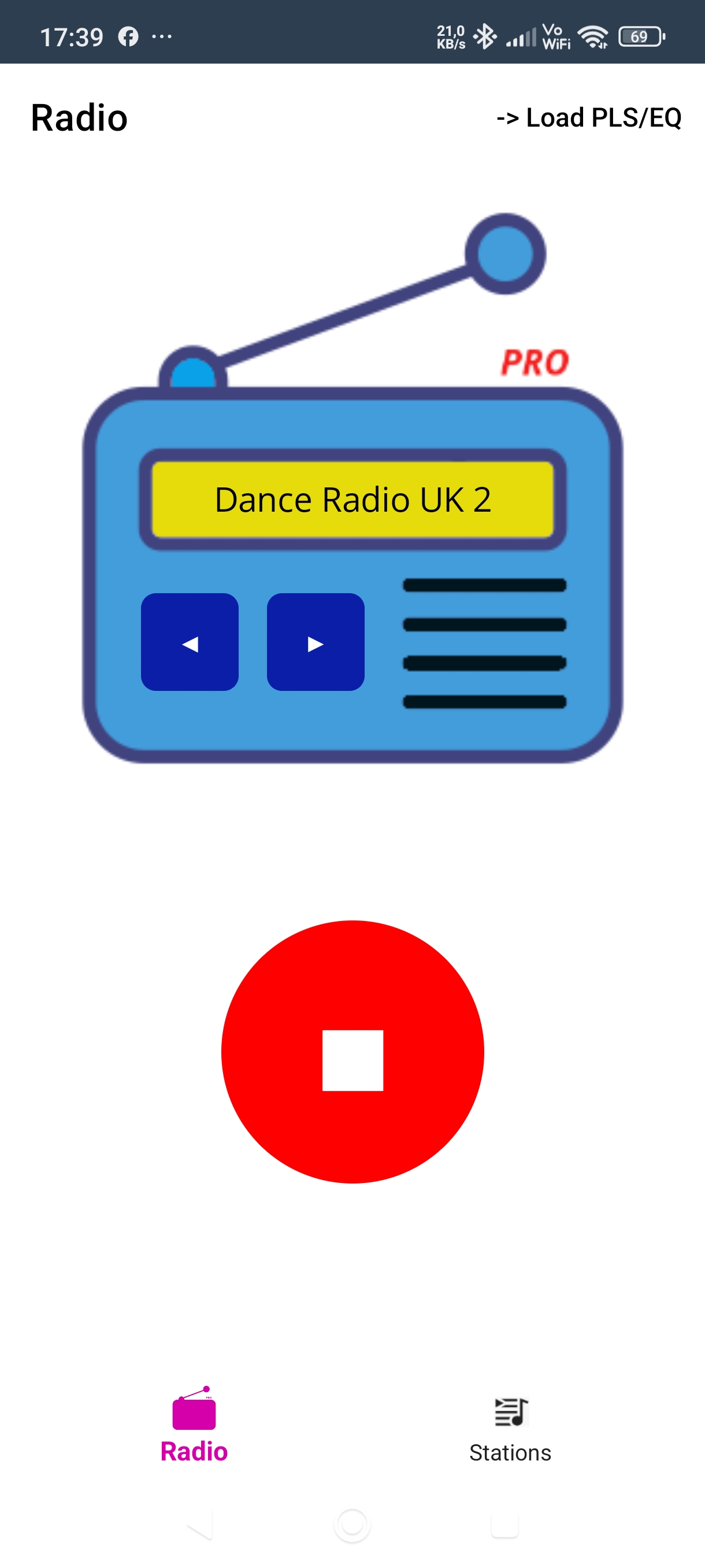
Player · magenta skin
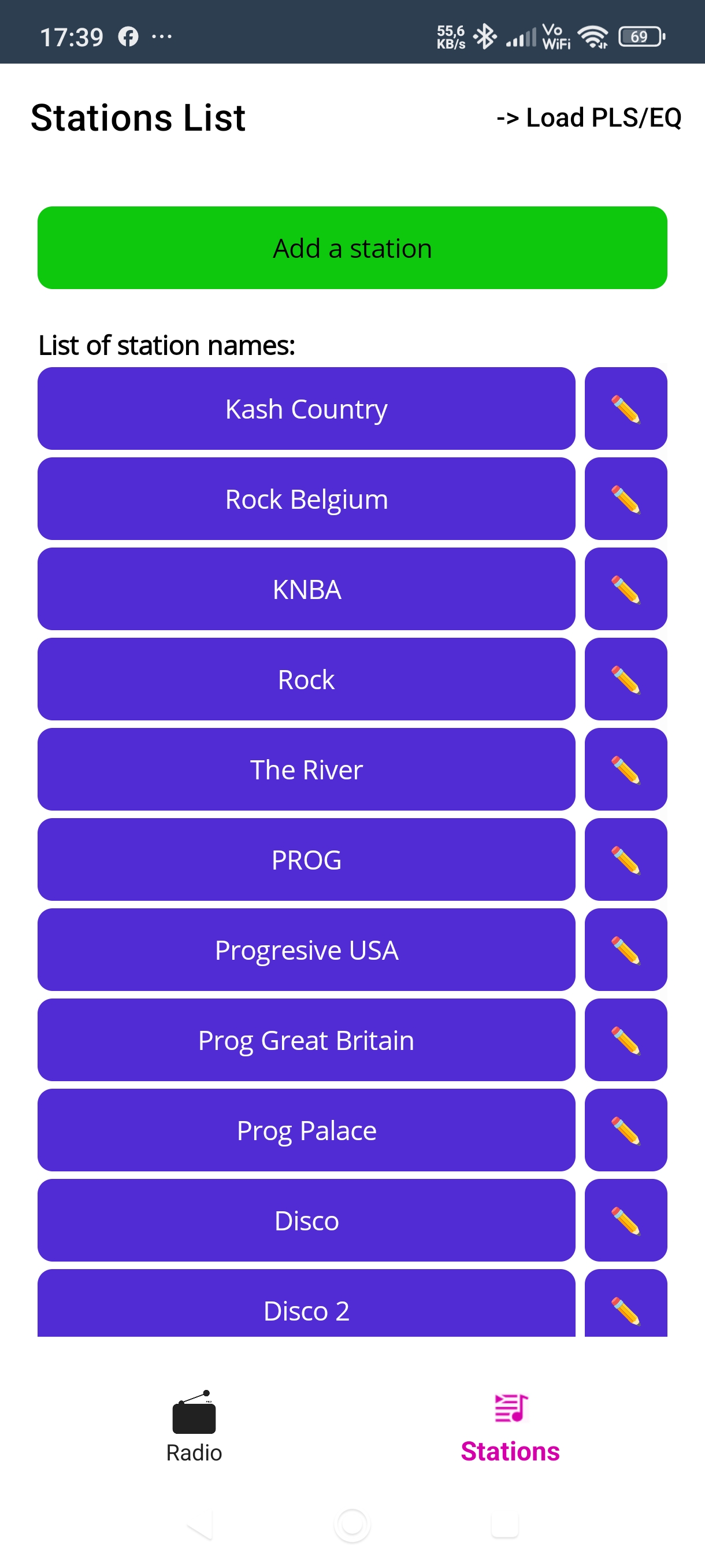
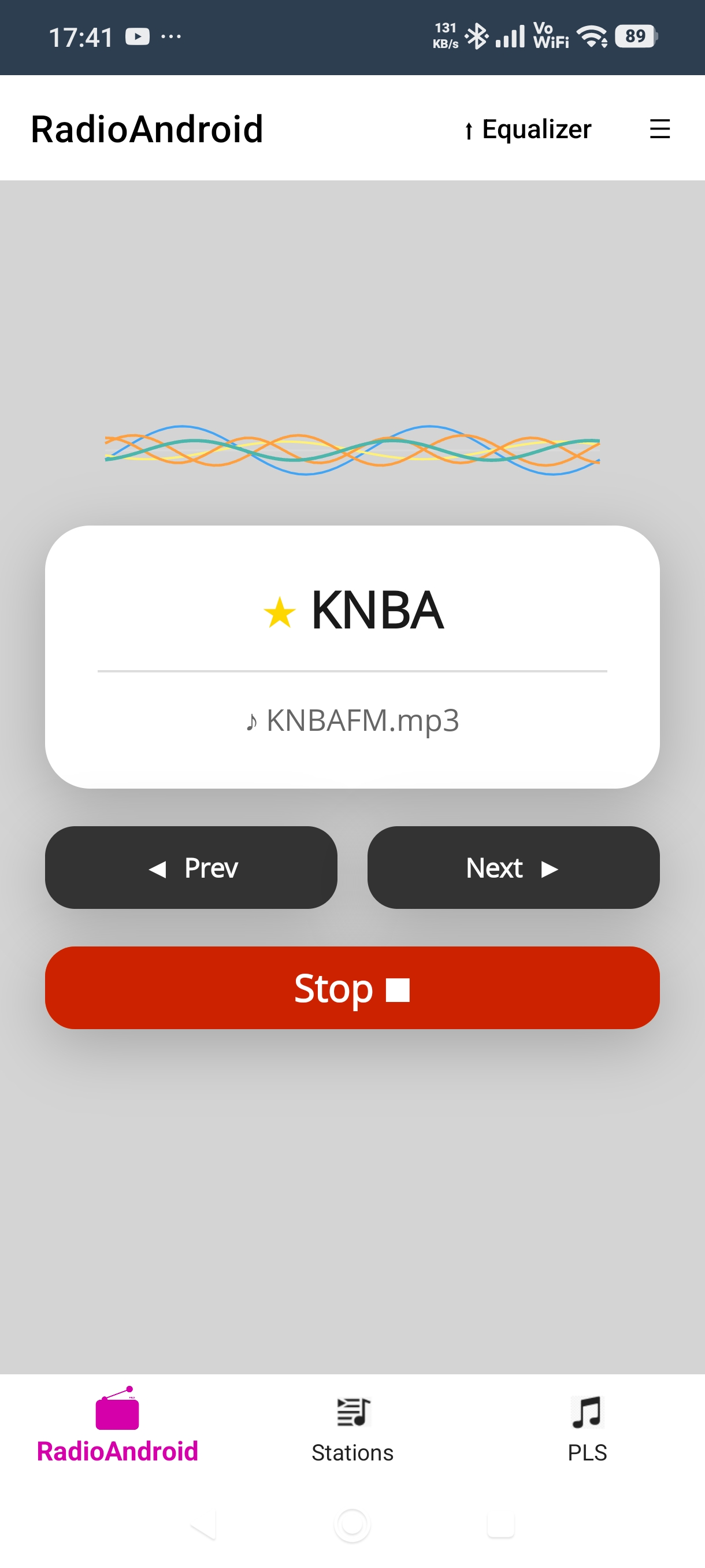
Player · wave VU meter
Player · brown skin
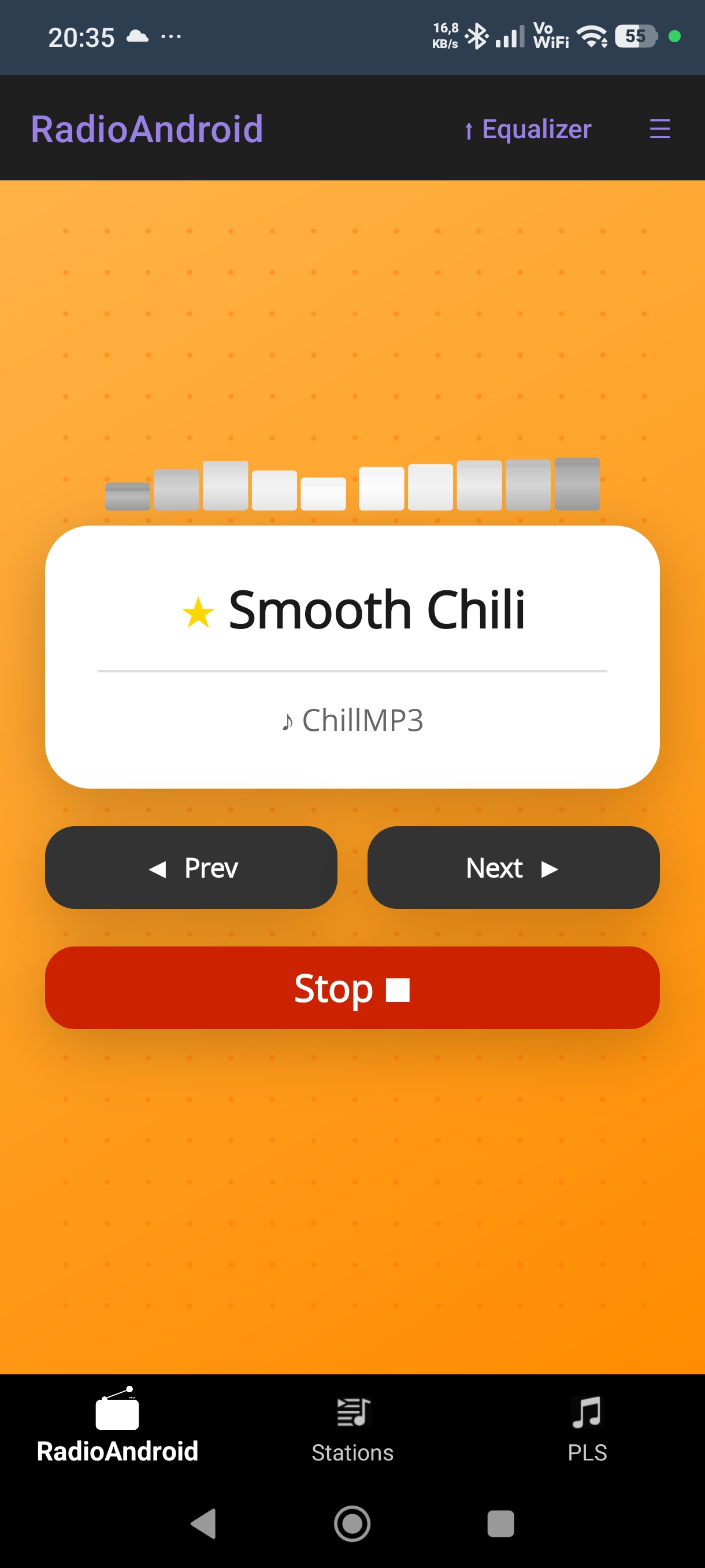
Player · orange skin
Player · purple skin
Player · violet skin
Player · blue skin
Player · lavender skin
Player · dark skin · white VU
Player · red skin
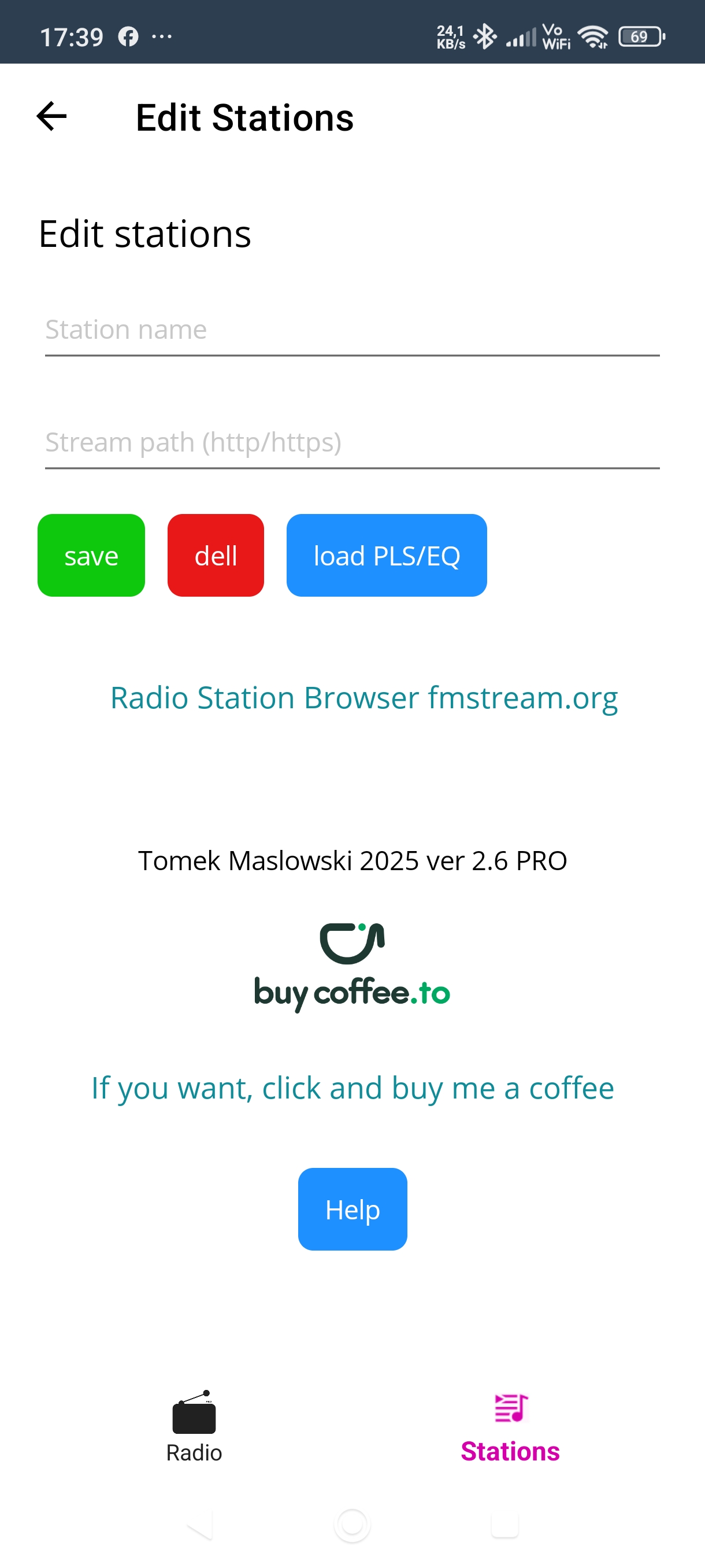
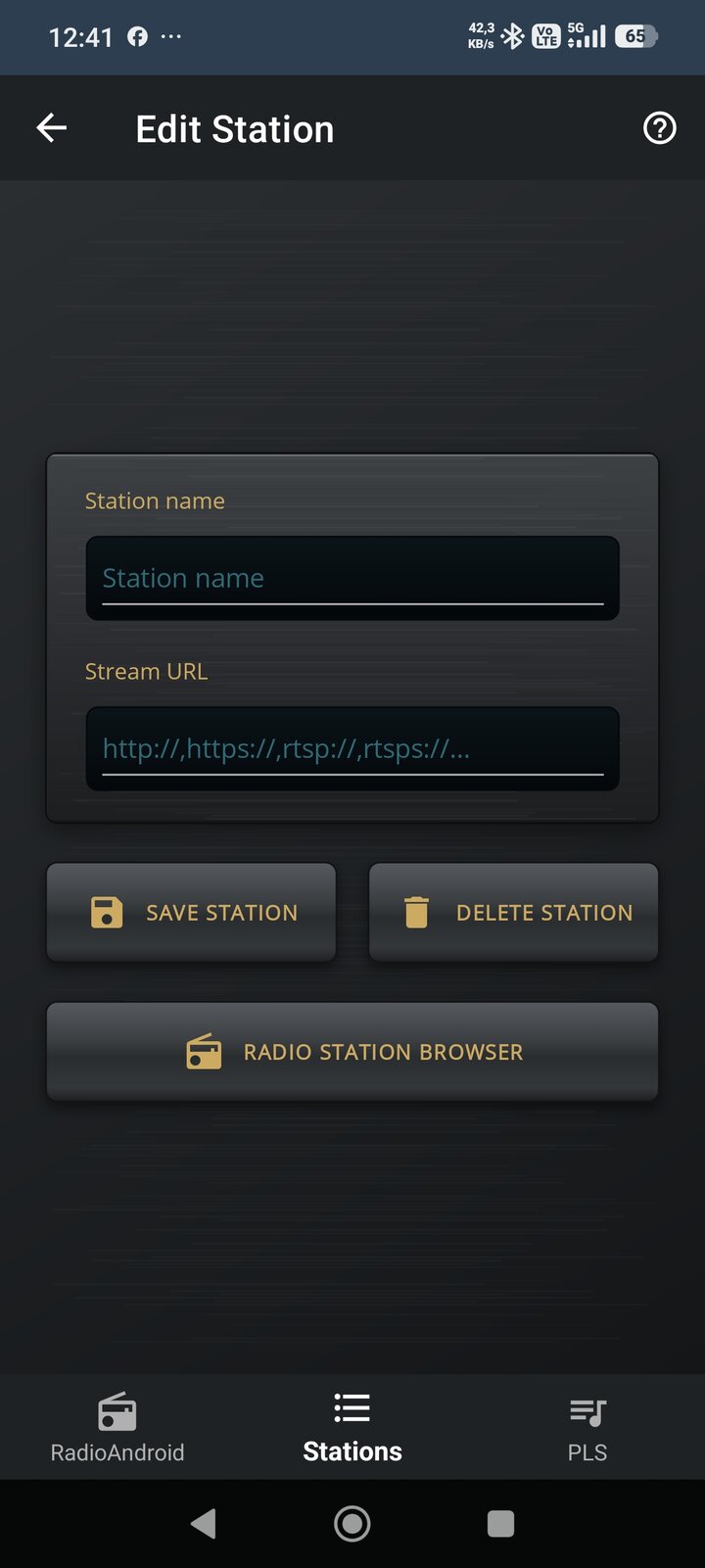
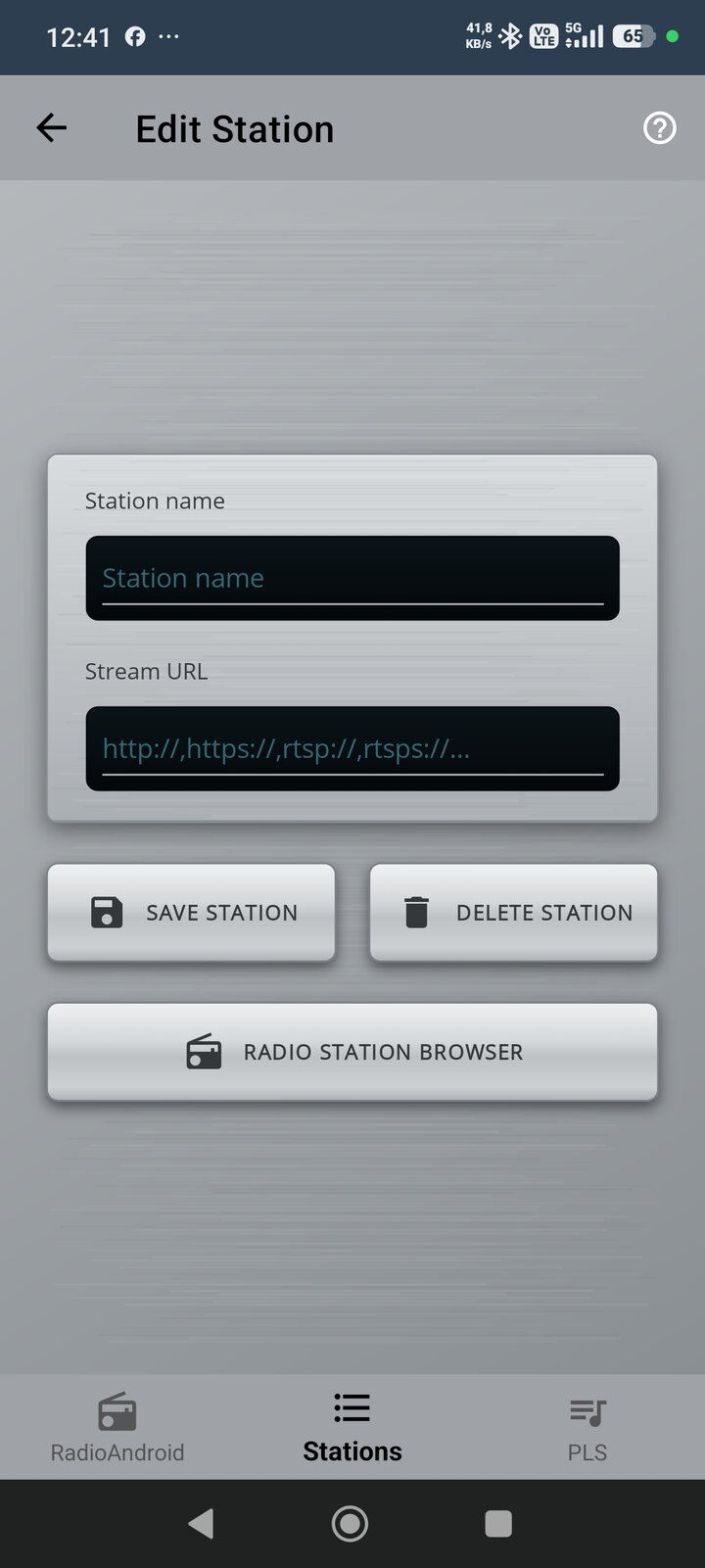
Station editor
10-band equalizer
Side menu · themes & skins
Side menu · custom colours
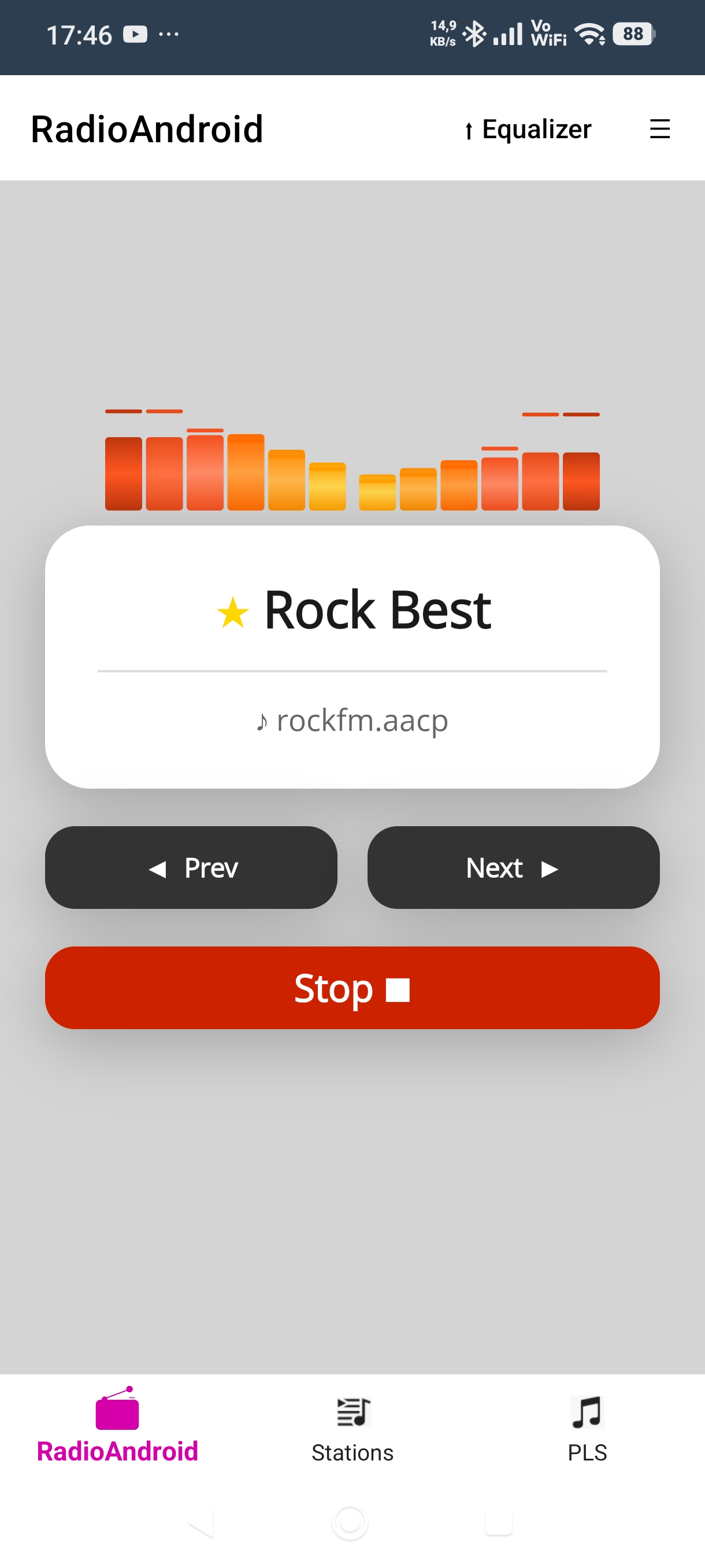
Sleep timer
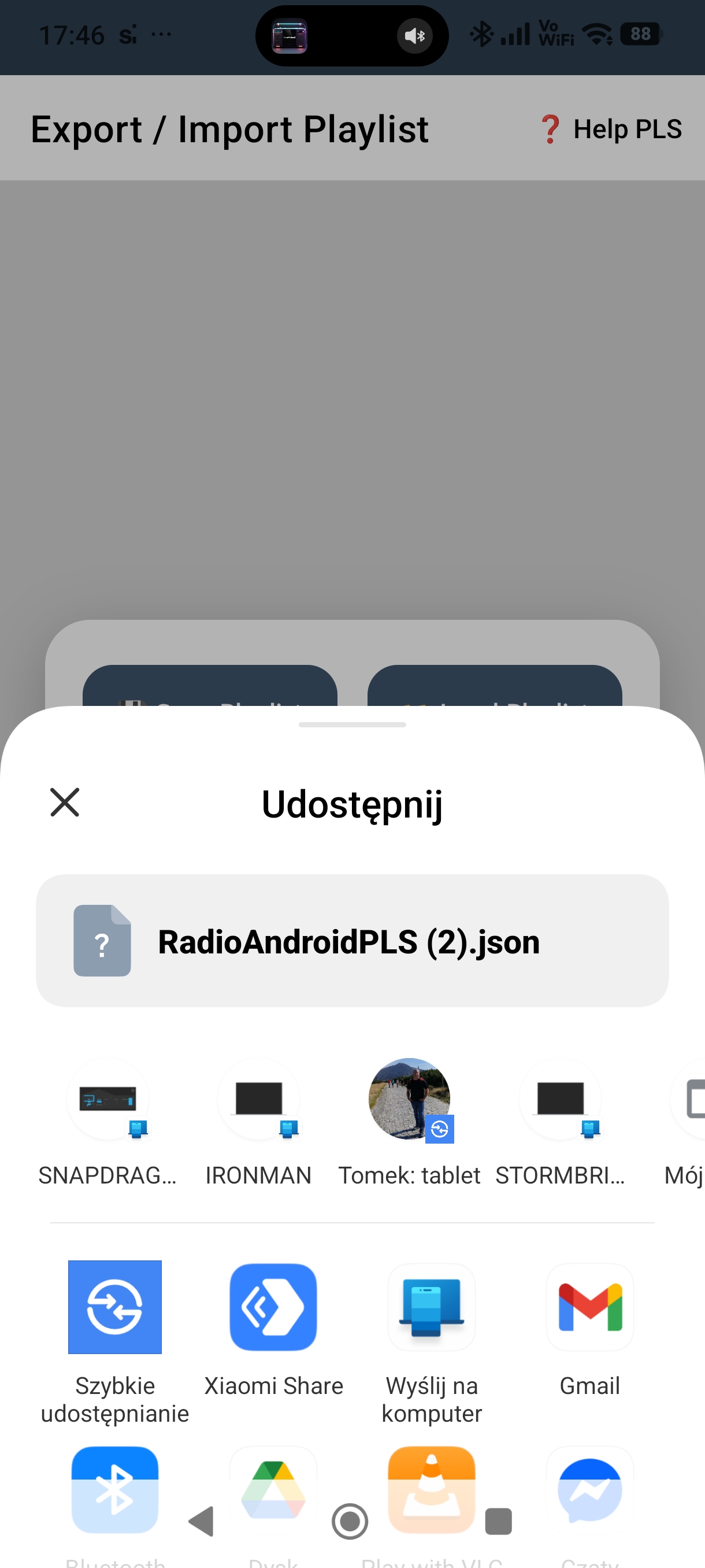
Sharing a playlist
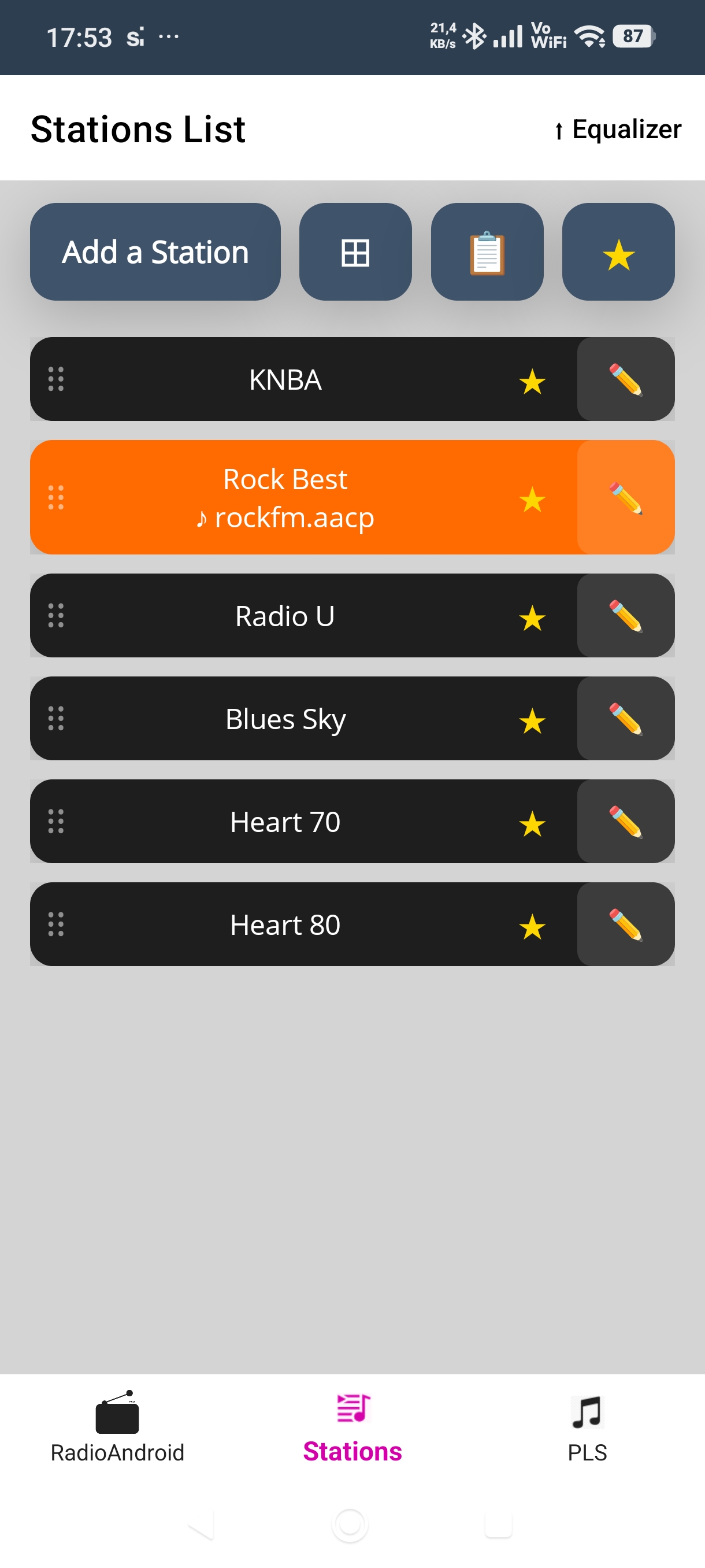
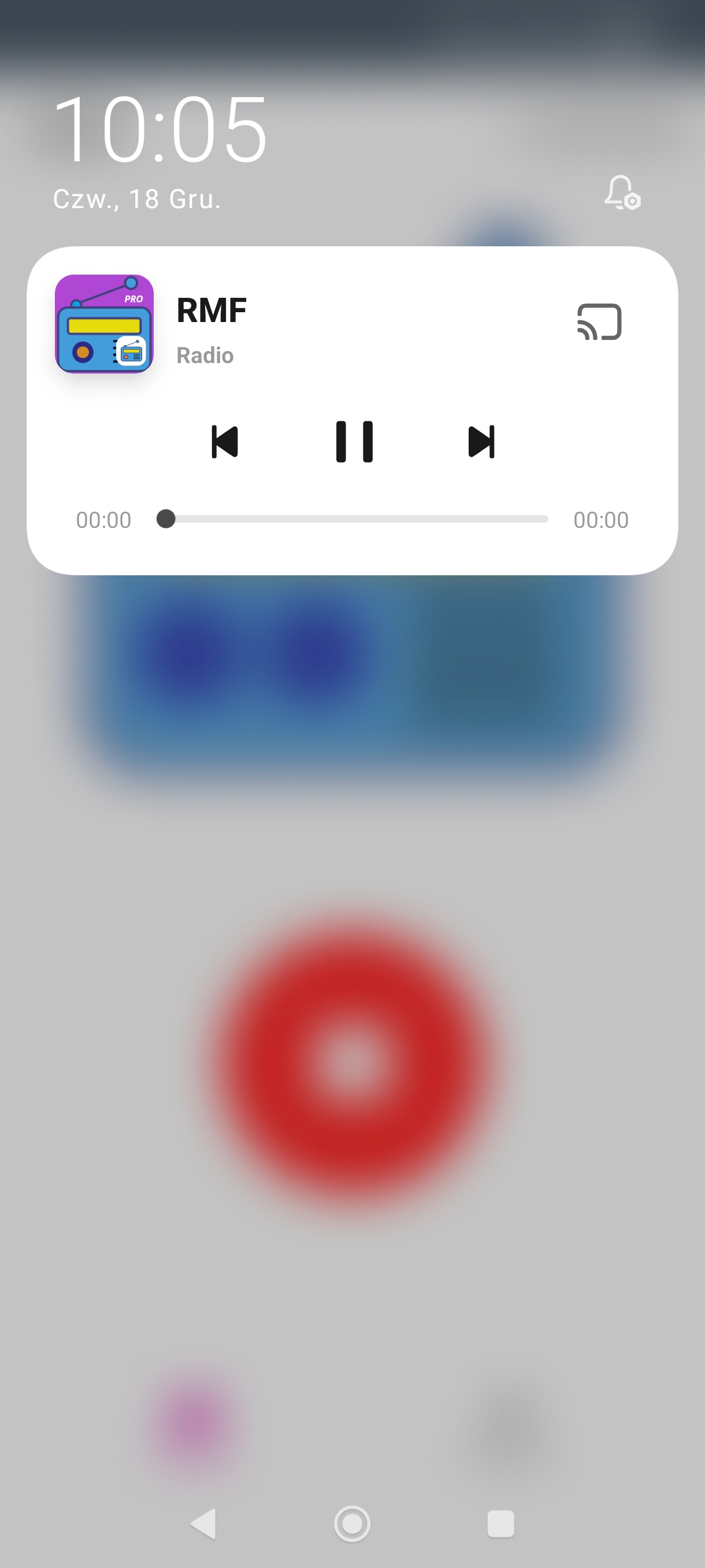
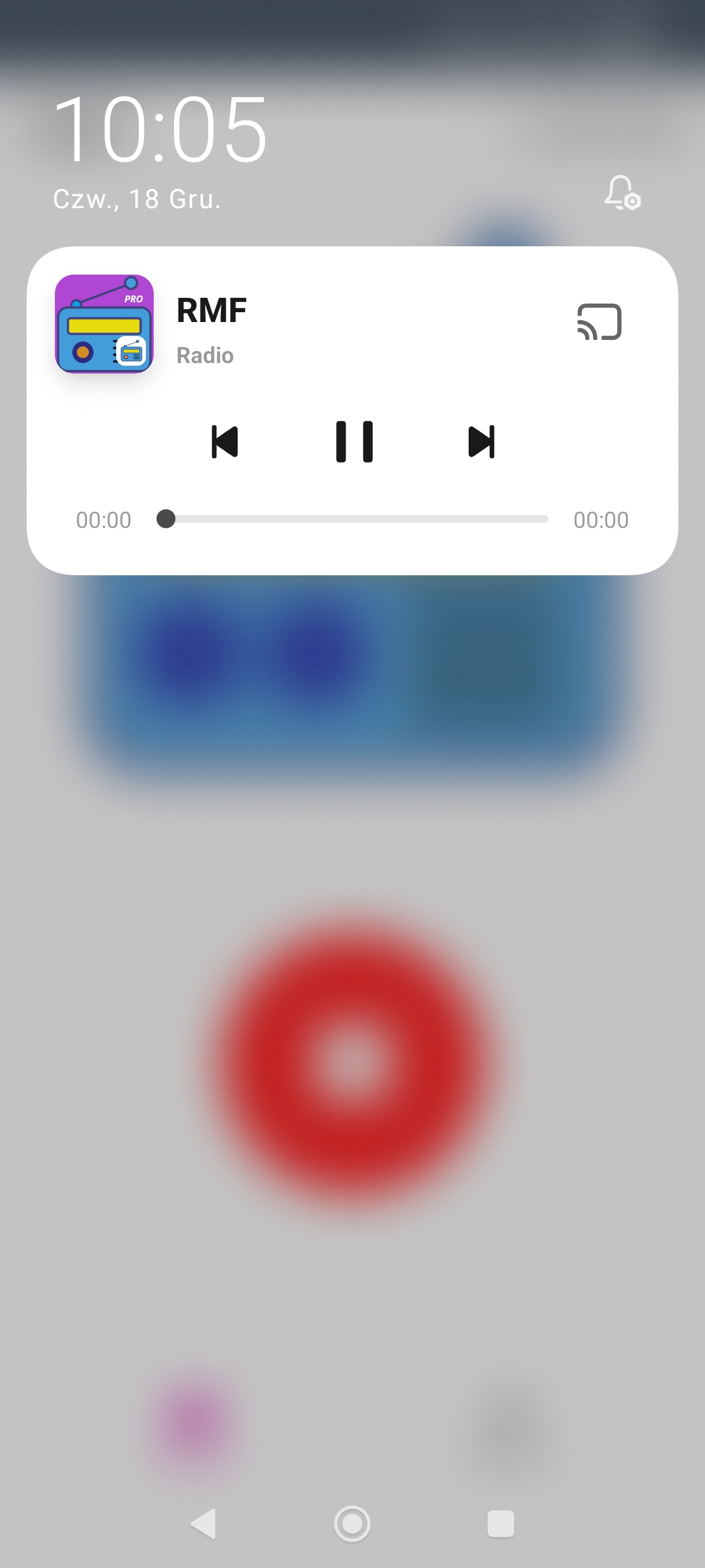
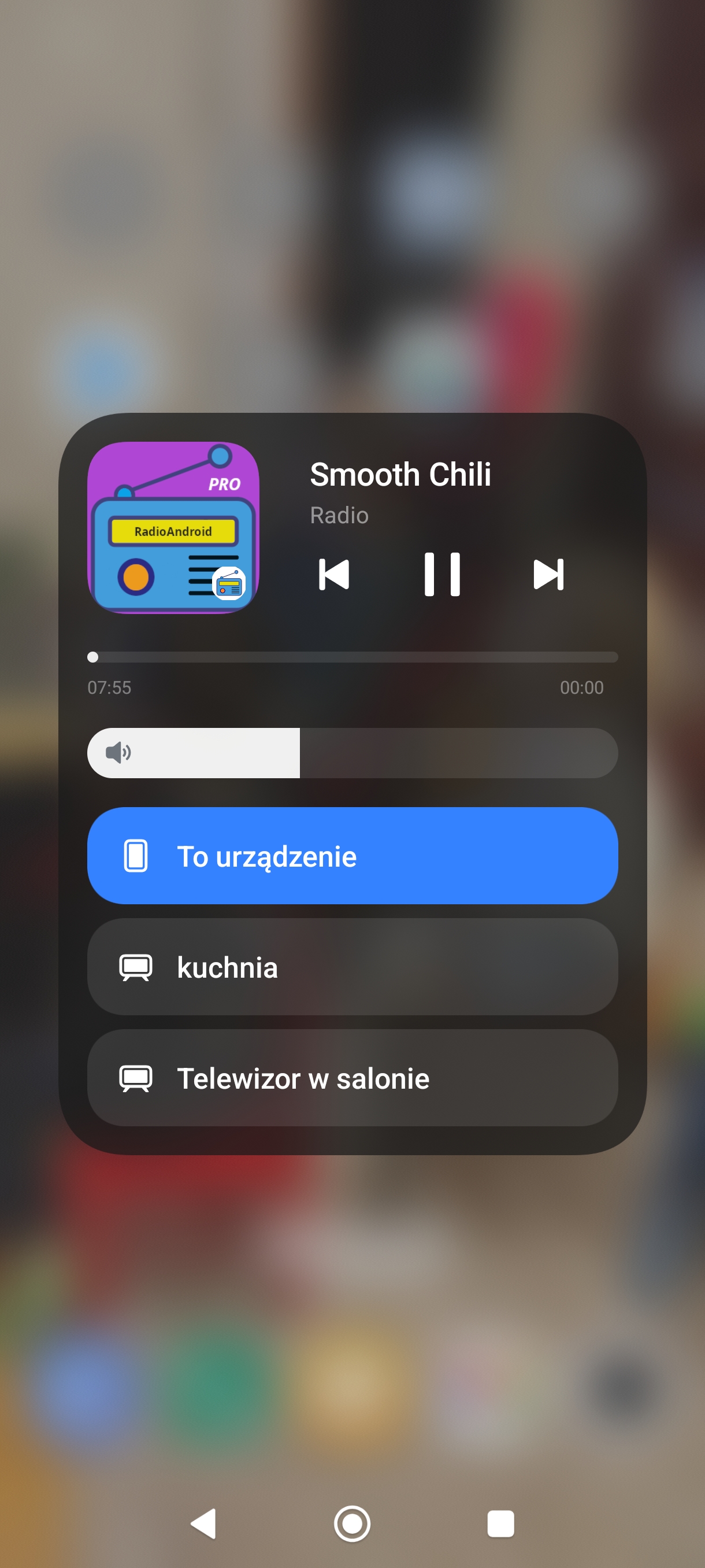
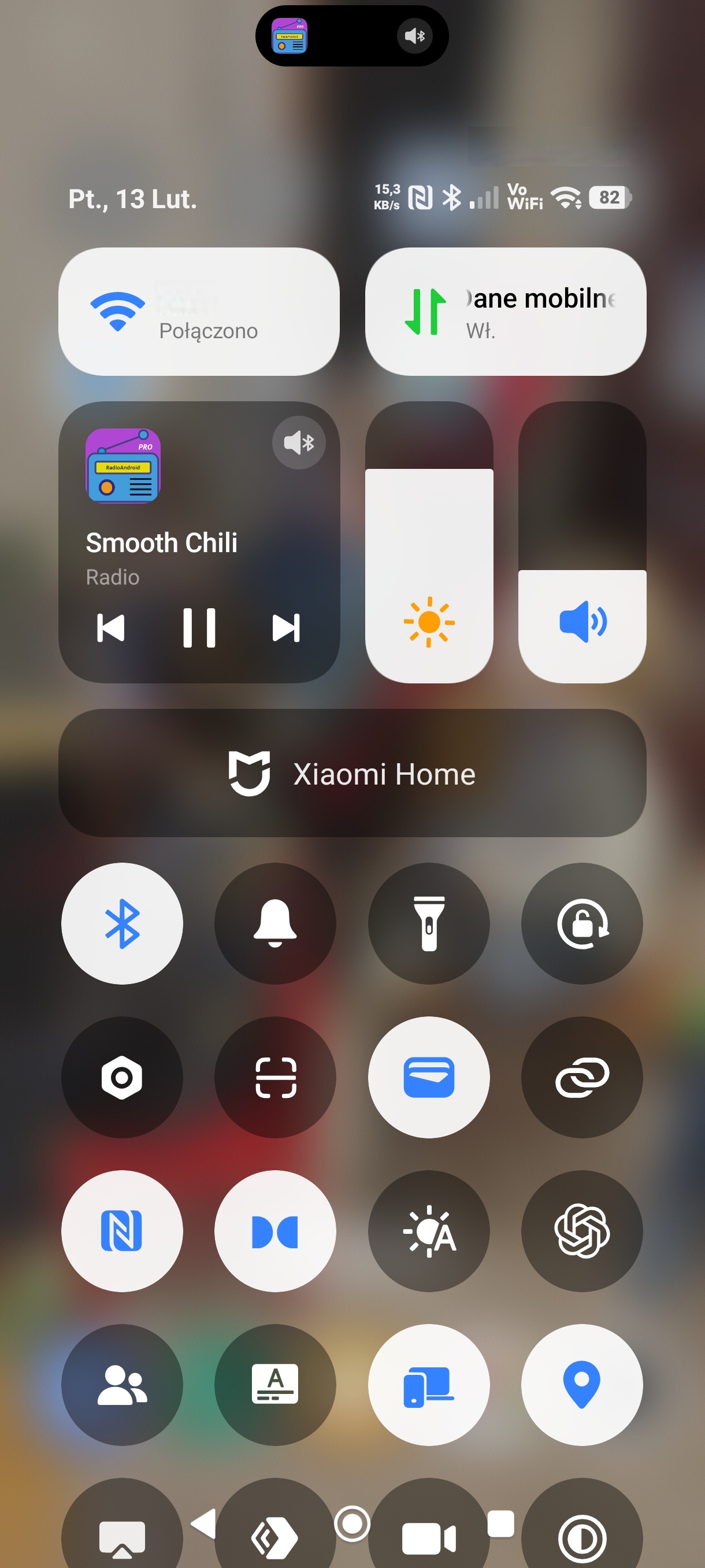
Notification & quick settings
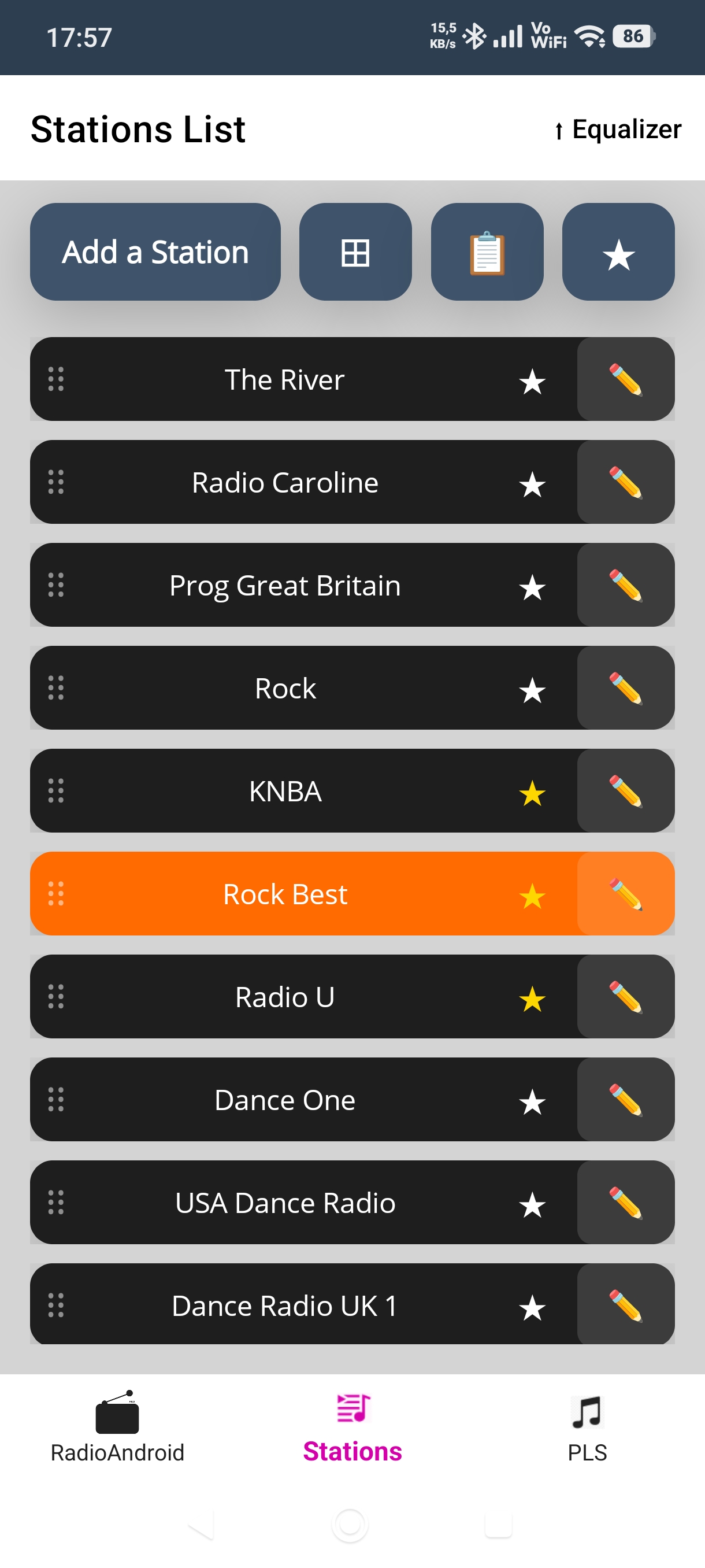
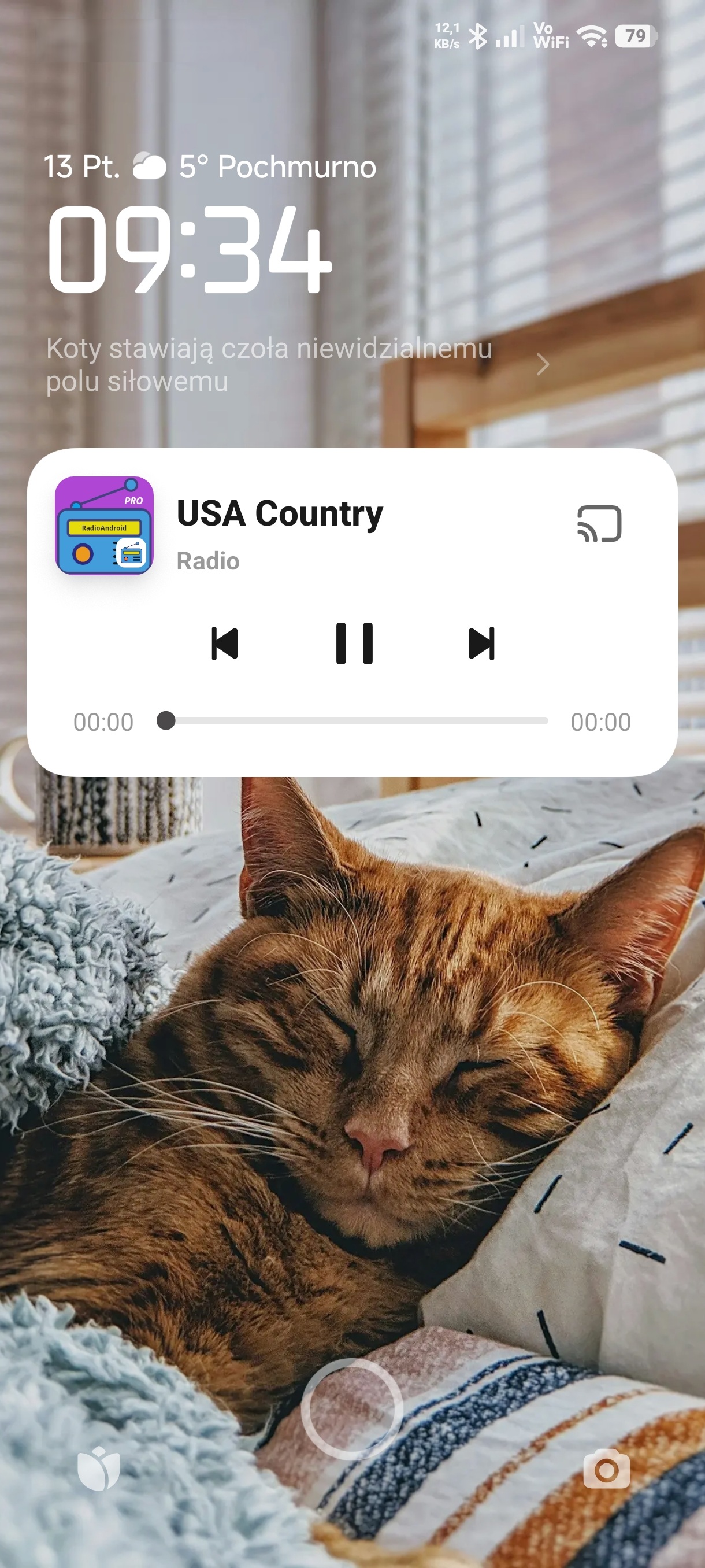
Lock screen controls
Playlists · PLS
Reconstructor PLS
Tiles · navy skin
Tiles · green skin
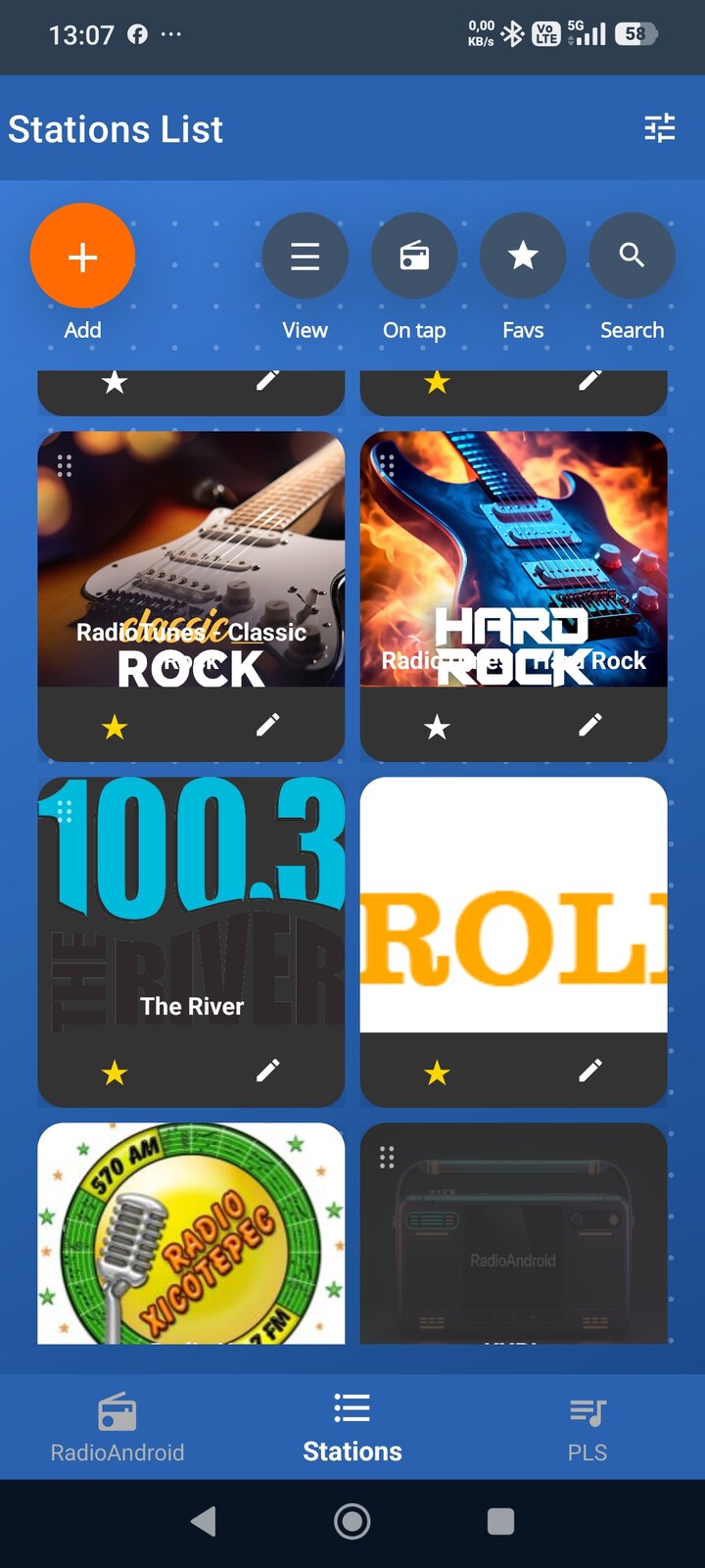
Tiles · blue skin
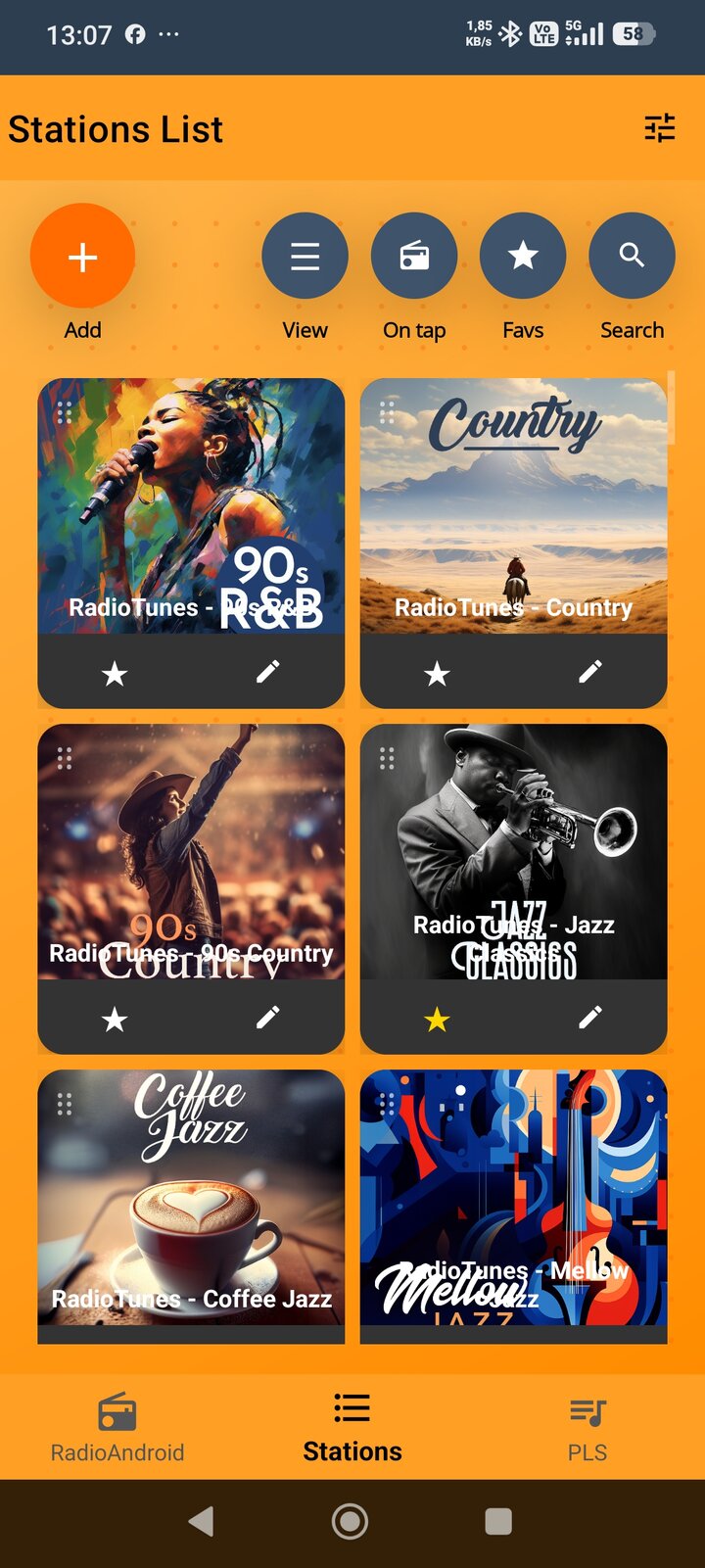
Tiles · orange skin
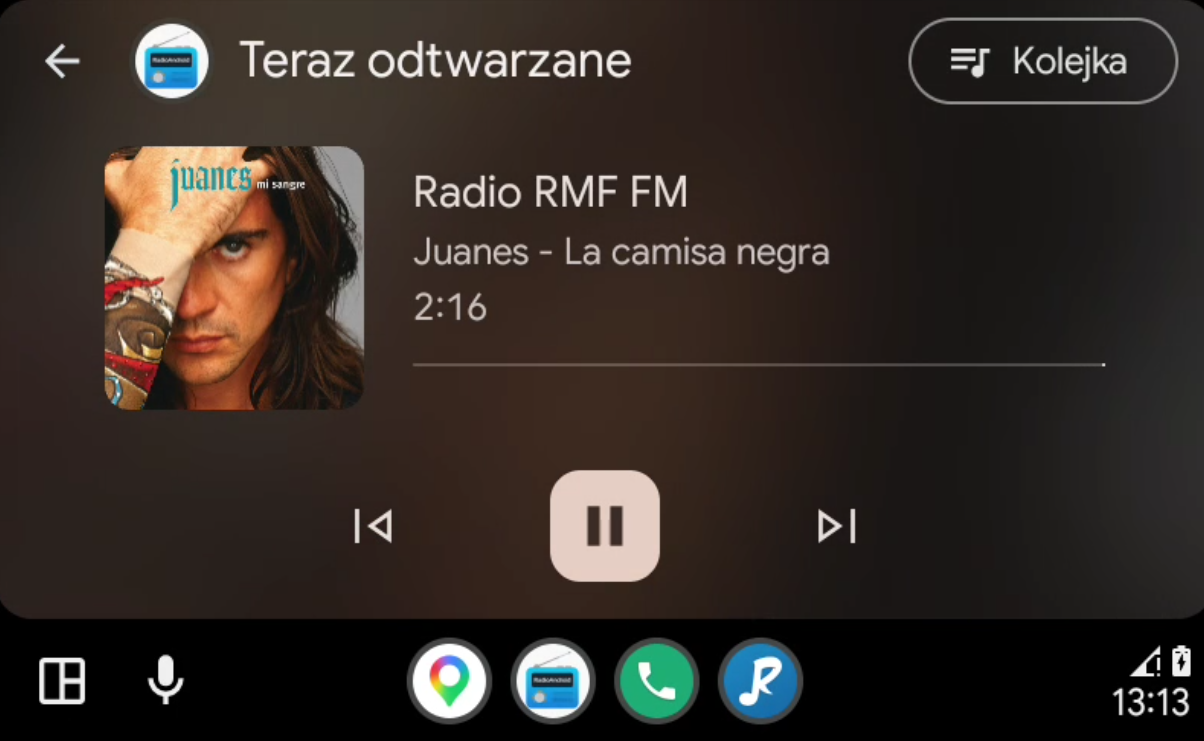
Android Auto · Now Playing
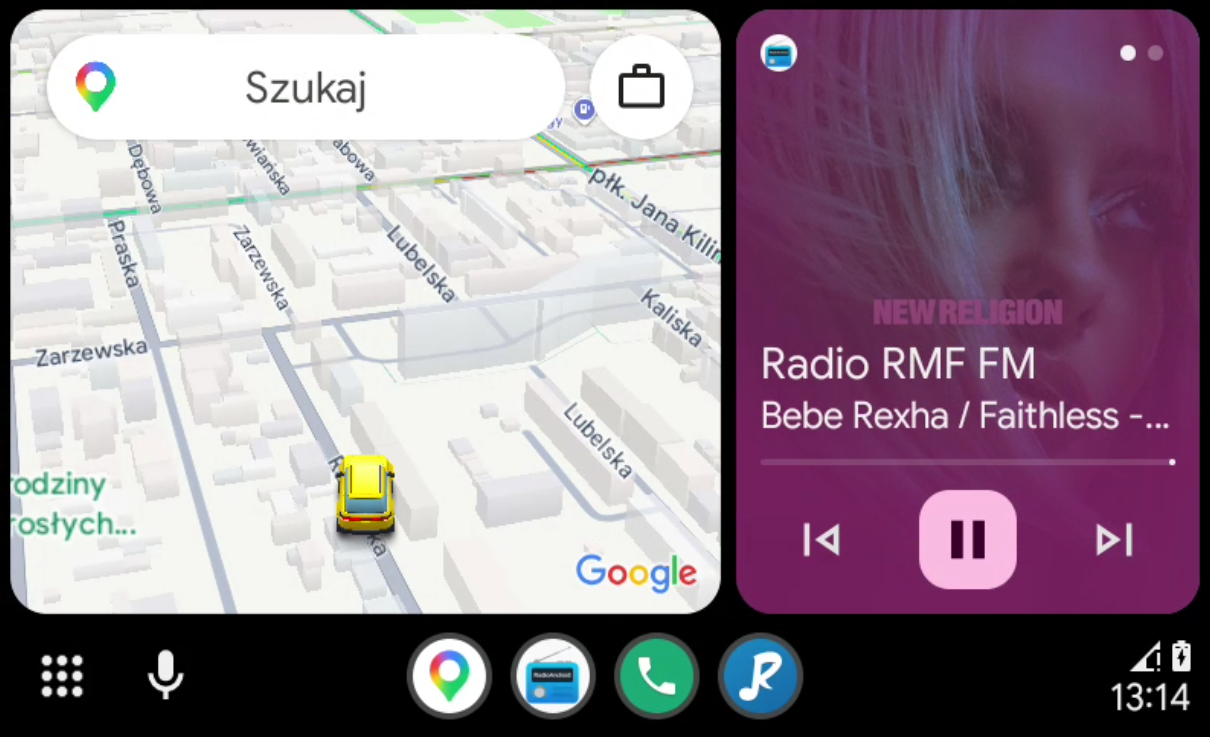
Android Auto · split screen with maps
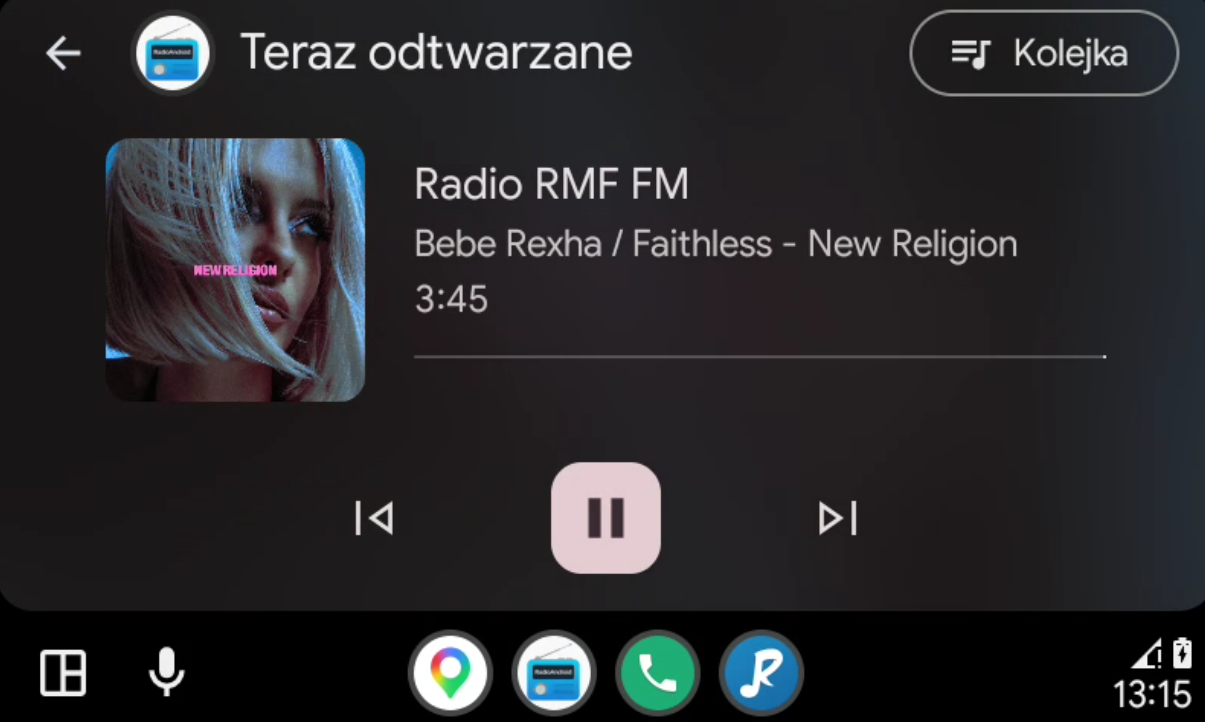
Android Auto · Now Playing
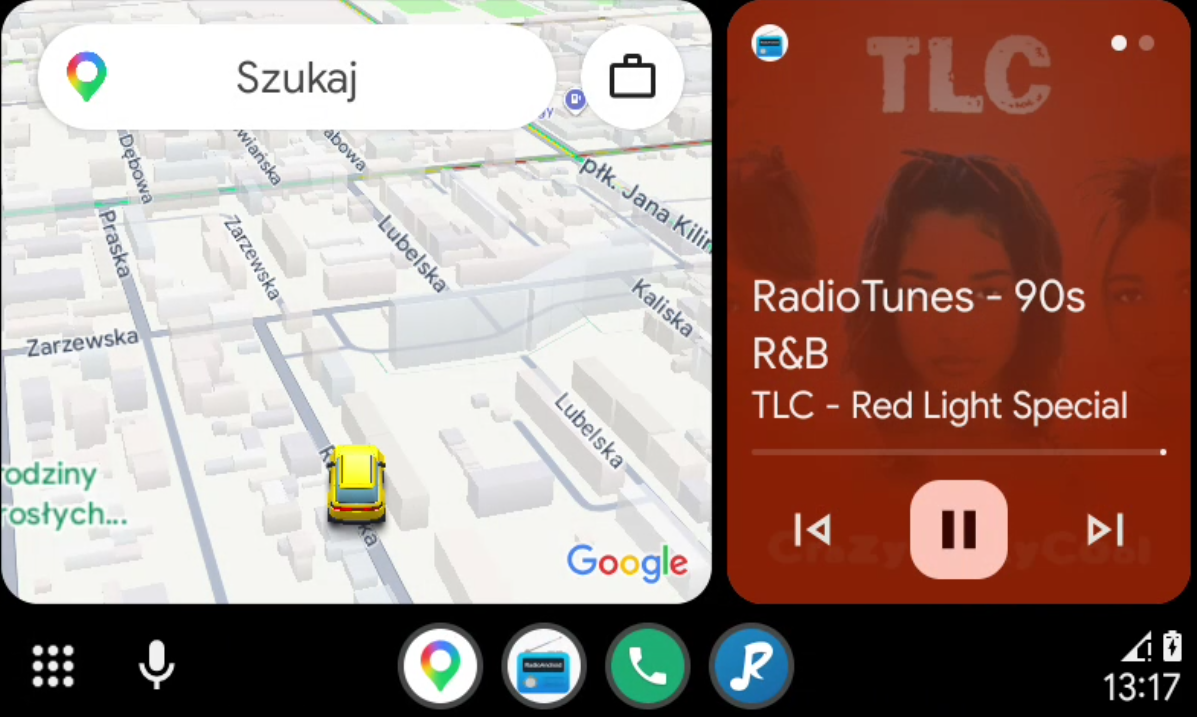
Android Auto · split screen with maps
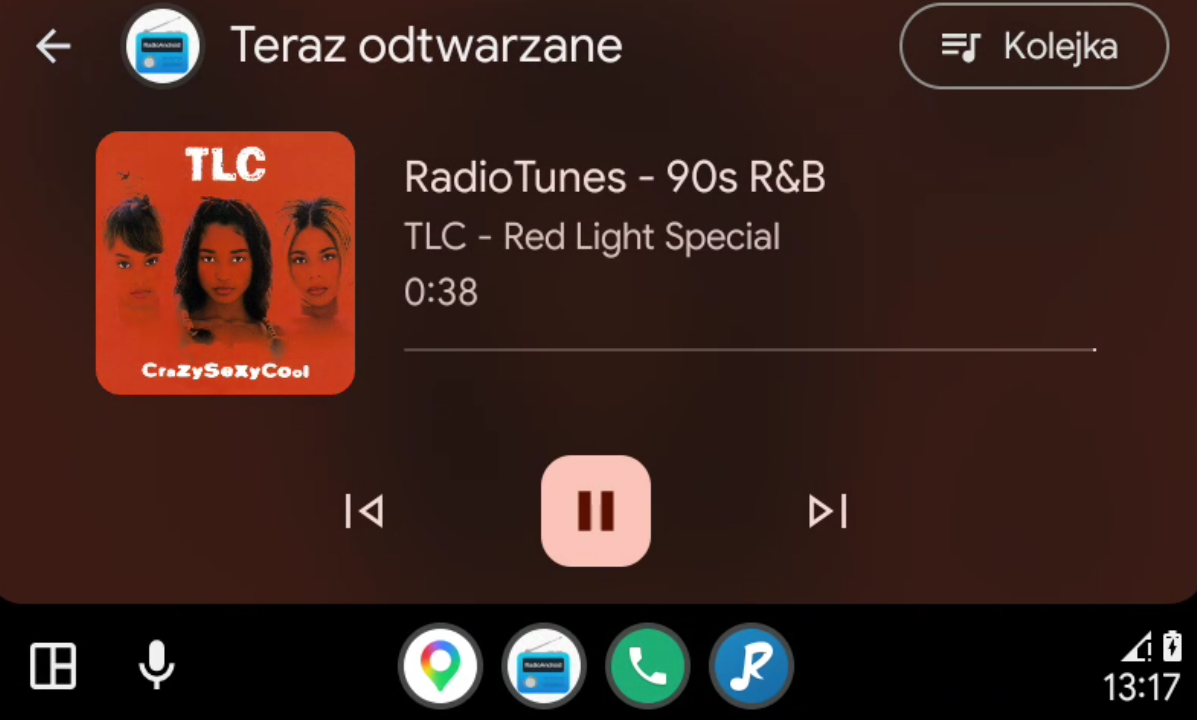
Android Auto · Now Playing
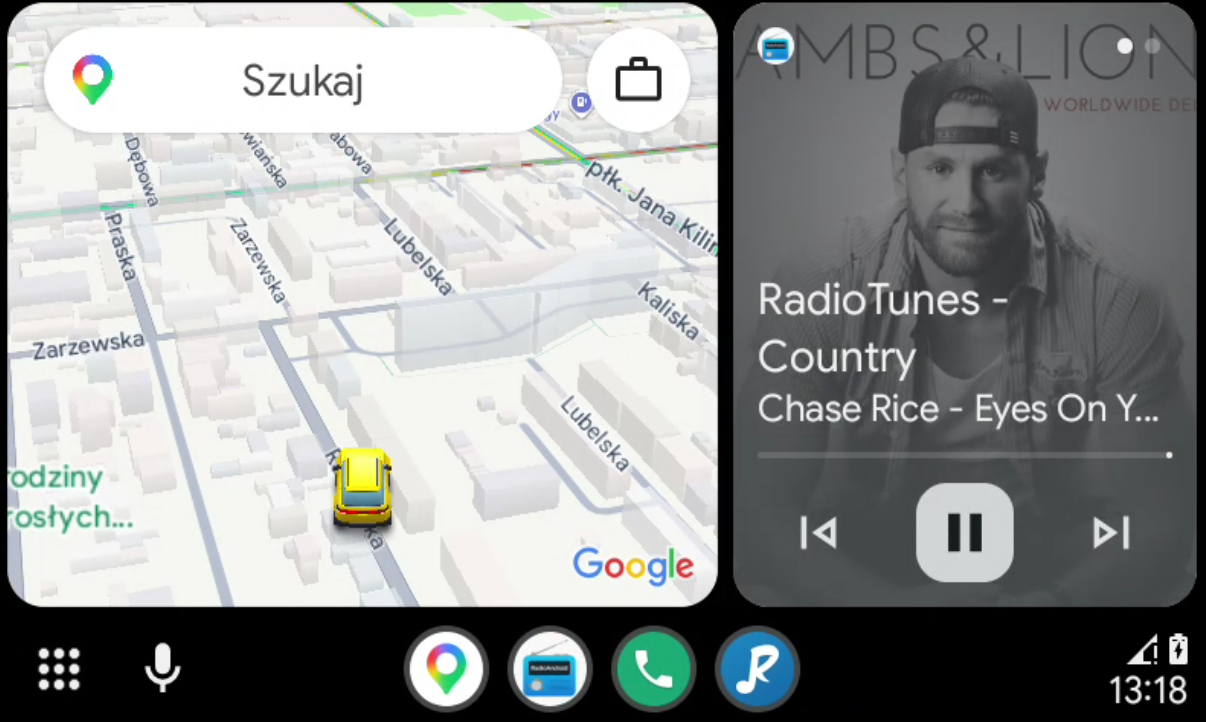
Android Auto · split screen with maps
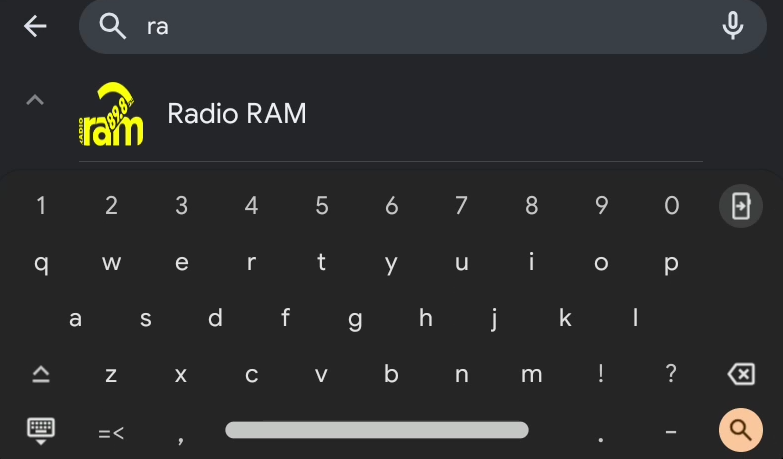
Android Auto · station search
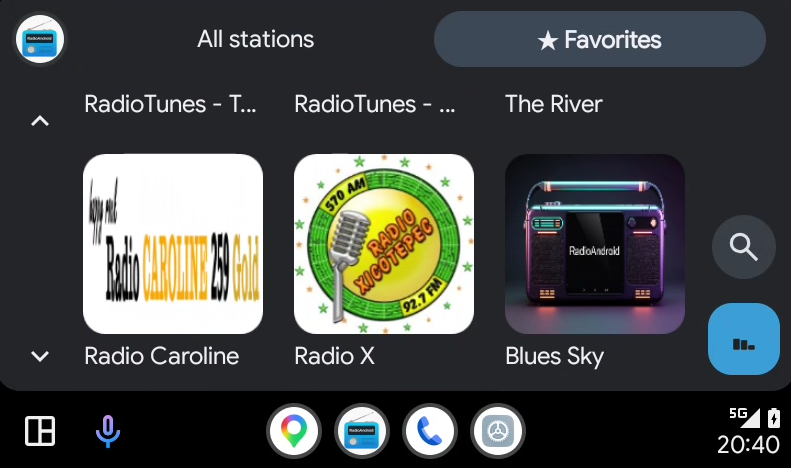
Android Auto · favourites
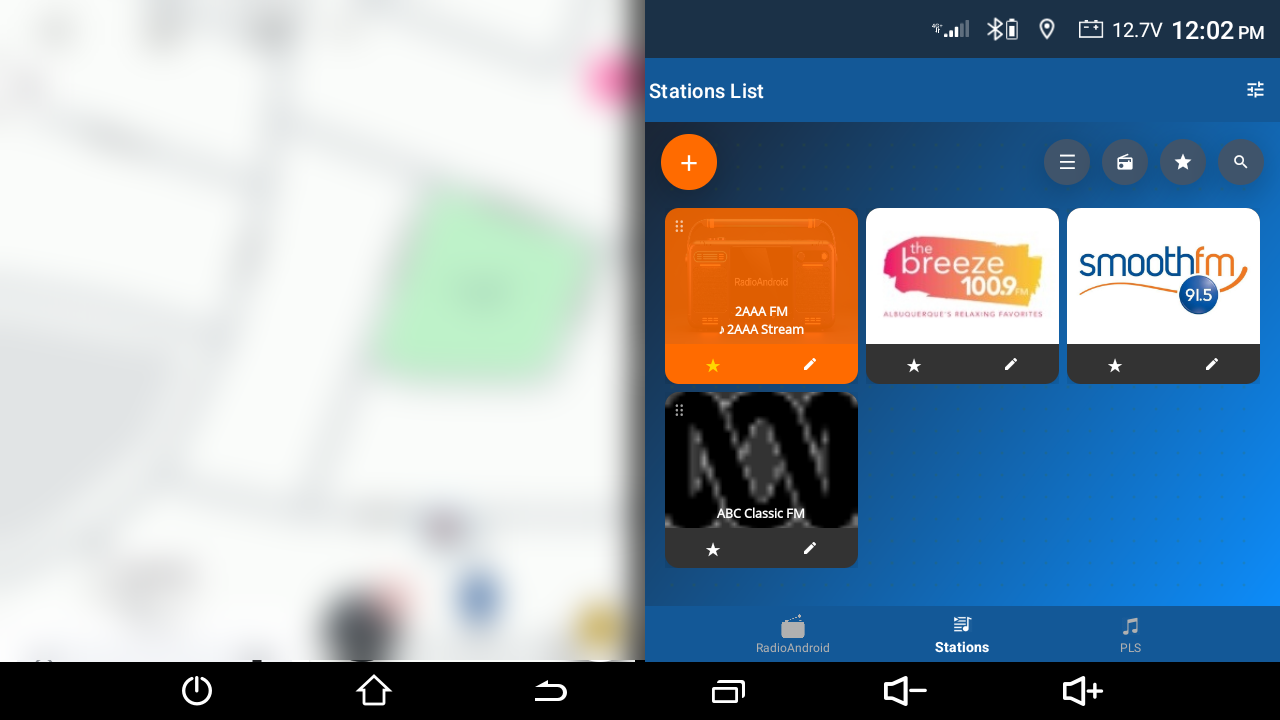
Head unit · station list
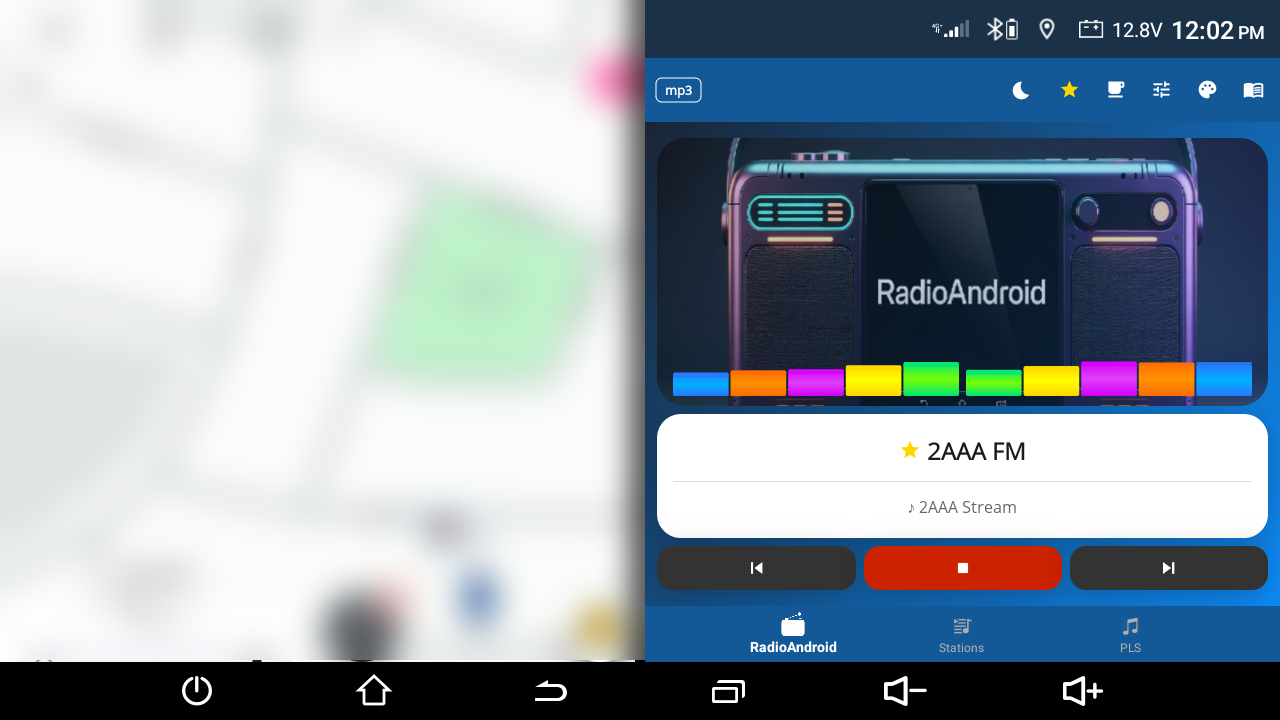
Head unit · player
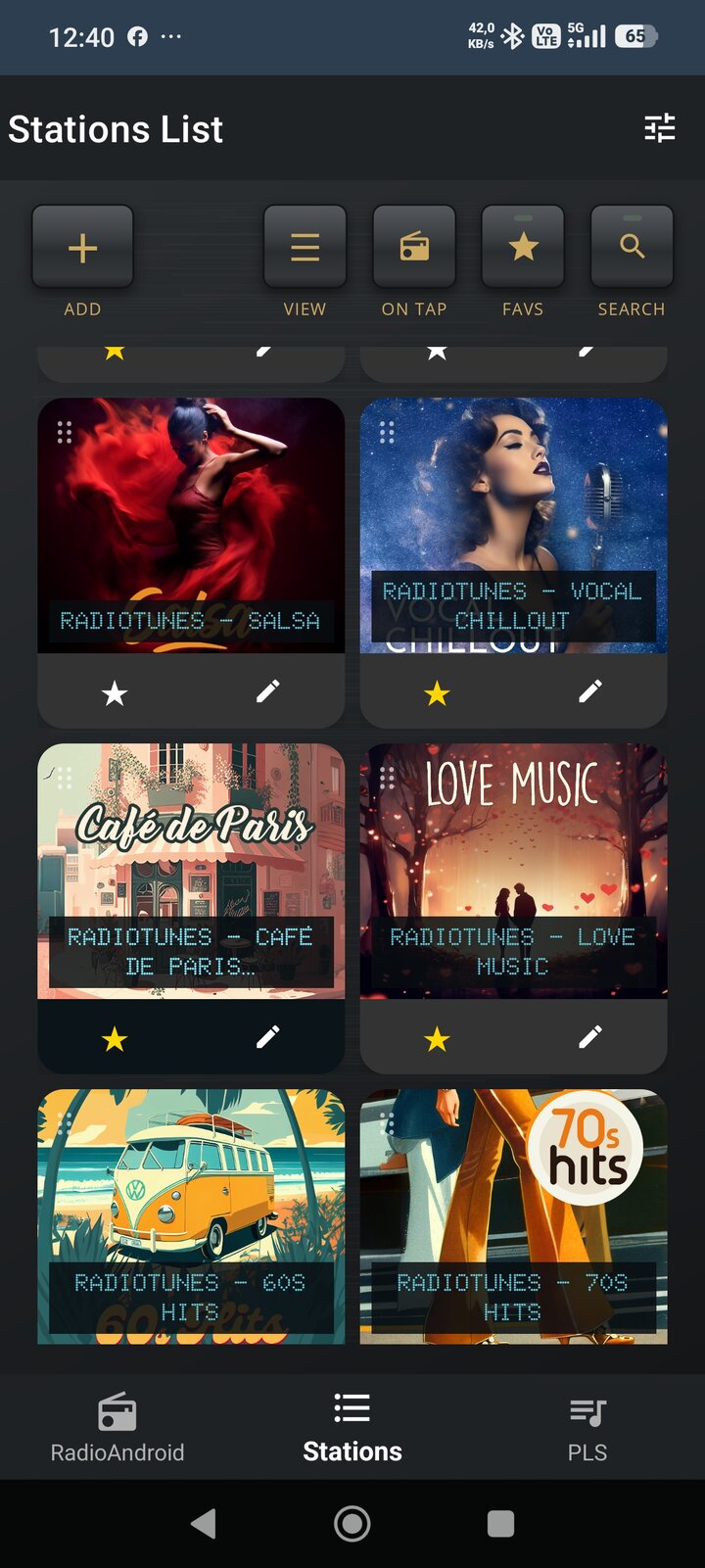
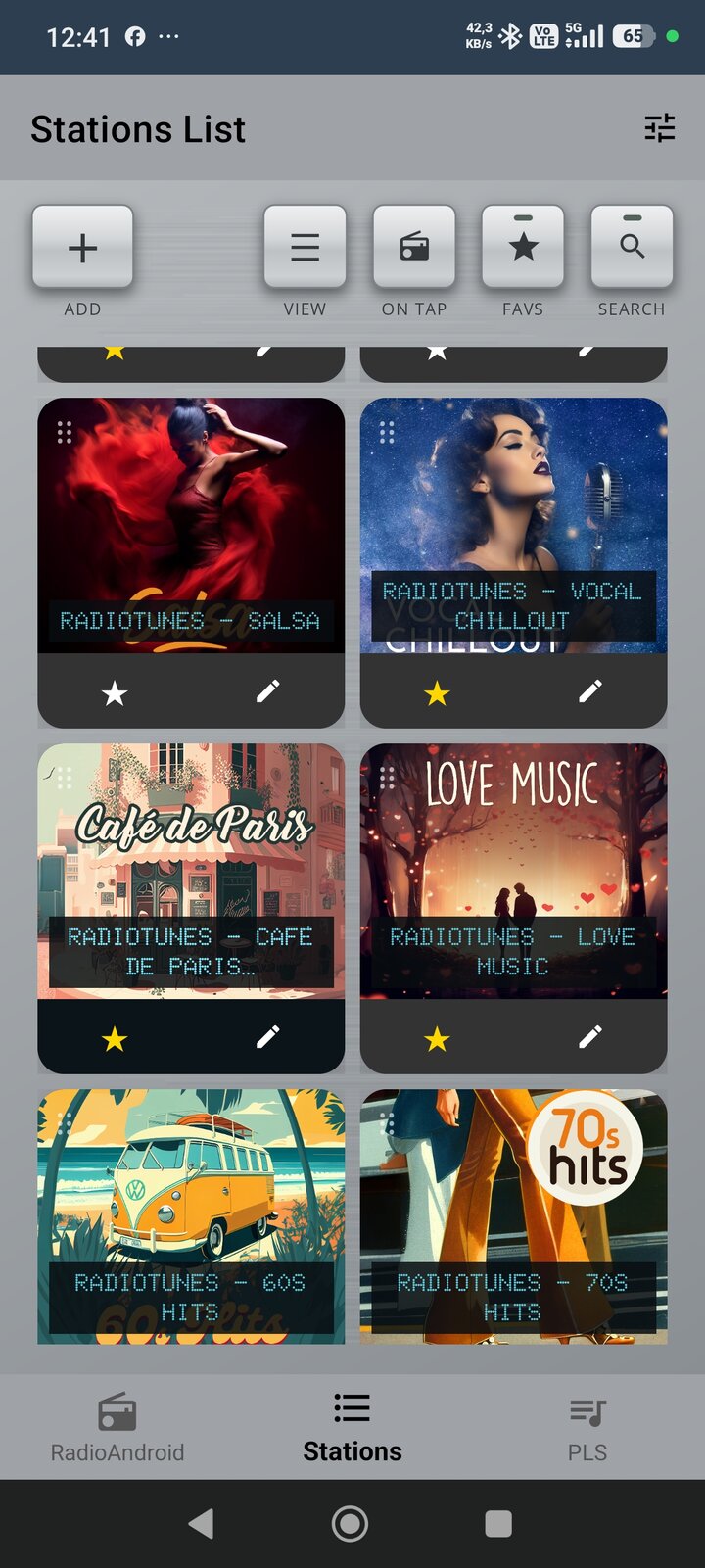
🎛️ Vintage player style is coming soon. Preview the whole page in the Vintage look — black or silver, like in the app.
You are viewing the Vintage preview. The current app release uses the Modern style.
Coming soon
Coming soon
Coming soon
Coming soon
Coming soon
Coming soon
Coming soon
Coming soon
Coming soon
Coming soon
Coming soon
Coming soon
Coming soon
Coming soon
Coming soon
Coming soon
Want the latest beta? Email with subject RadioAndroid Test
If RadioAndroid 6.0 makes your daily drives better, consider buying the developer a coffee. Your support fuels further development!